
TP-Link TL-SG105
4.7Editor score
5 Gigabit Ports
Fanless Metal Design
Plug and Play Setup
This guide compares the top Eero Ethernet Switch options for home and business networks, covering speed, ports, and PoE features to help you choose.
Choosing the right network hardware is essential for modern homes and offices. An Eero Ethernet switch expands your connectivity options while maintaining reliable speeds for all devices.
We compared ten top-rated switches based on port counts, speeds, and ease of use. Our analysis helps you find the perfect match for your specific Eero setup requirements.
Each pick highlights key features and performance traits to simplify your decision. Prices and availability change frequently, so always check current listings before purchasing your new network gear.
4.7Editor score

4.8Editor score

4.4Editor score
Below is a side-by-side comparison of all ten products. This table helps you quickly identify the right switch based on port speed, management features, and physical design.



The Amazon eero PoE Gateway stands out as a powerful router with built-in switching. It received a 4.4 rating for its ability to handle high-speed wired connections and PoE devices.
We may earn a commission when you buy through this link, at no additional cost to you.
Its two 10 GbE ports support wired speeds up to 9.4 Gbps. With eight 2.5 GbE PoE ports, it powers up to eight eero PoE 6 access points without extra hardware.
This device eliminates or minimizes the need for a third-party PoE switch. While effective, its high cost may not suit every budget or small network layout.
Choose this if you want a unified network system. It fits best in large homes needing reliable coverage and centralized control via the eero app.
This gateway provides 100W of pooled power for PoE-enabled devices up to 802.3bt class 5. It simplifies cabling by delivering power and data through single cables.
Automatic updates keep the network safe and secure. Online security and management features are available via a subscription.
We may earn a commission when you buy through this link, at no additional cost to you.
The TP-Link TL-SG105 is an excellent choice for basic connectivity. With a 4.7 rating, it offers reliable gigabit speeds for expanding network reach in small spaces.
We may earn a commission when you buy through this link, at no additional cost to you.
It features five 10/100/1000Mbps RJ45 ports supporting auto negotiation. The fanless metal design ensures quiet operation and durability in various environments.
This unmanaged switch requires no software installation. However, the limited port count may require additional units if you need more connections.
Ideal for small offices or homes, it provides stable performance. Its low price and energy efficiency make it a smart buy for basic needs.
IEEE 802.3X flow control provides reliable data transfer. The fanless design ensures quiet operation suitable for noise sensitive rooms.
Plug and play setup means no configuration needed. It comes backed by a 3-year warranty and free technical support.
We may earn a commission when you buy through this link, at no additional cost to you.
The NETGEAR GS308EP is a top-rated managed switch for small businesses. It holds a 4.8 rating for its balance of speed, PoE capability, and manageable features.
We may earn a commission when you buy through this link, at no additional cost to you.
Eight 1.0Gbps ports offer high-speed connectivity with auto-negotiating support. The 62W total power budget allows powering multiple PoE+ devices efficiently.
Its intuitive software interface enables VLANs and traffic prioritization. However, the power budget is fixed, and setup requires some network knowledge.
This switch fits those needing smart features. It delivers silent, energy-efficient operation ideal for environments where noise is a concern.
Compact metal design supports desktop or wall-mount placement for versatile installation. It reduces power consumption without compromising high-speed network performance.
Intuitive software interface offers Easy Smart Managed Essentials capabilities. This includes VLANs, QoS, and security monitoring tools.
We may earn a commission when you buy through this link, at no additional cost to you.
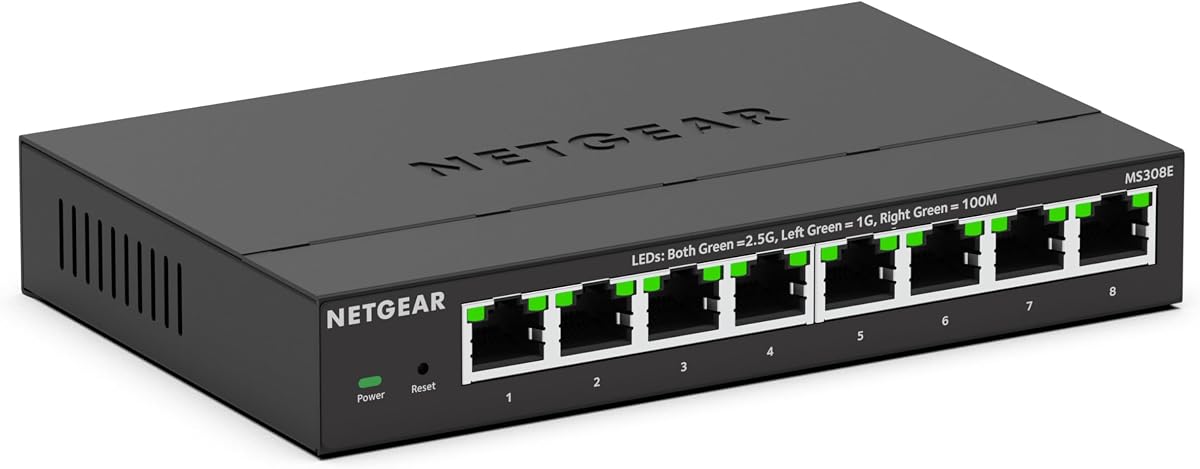
The NETGEAR MS308E offers eight 2.5Gbps ports for high-speed connectivity. With a 4.3 rating, it supports multi-gigabit needs while using existing Cat5e cables.
We may earn a commission when you buy through this link, at no additional cost to you.
Auto-negotiating ports detect optimal speeds for connected devices. The intuitive interface allows VLAN configuration and traffic prioritization for small businesses.
Its compact design supports versatile installation. However, regional compatibility is limited to the U.S. and Canada, which may restrict global use.
This switch is great for future-proofing networks. It ensures silent and energy-efficient operation suitable for professional or home office environments.
Eight 2.5Gbps ports support high-speed connectivity. Auto-negotiating ports work with existing Cat5e or Cat6 Ethernet cables.
Fanless design ensures silent performance. IEEE 802.3az Energy Efficient Ethernet reduces power consumption.
We may earn a commission when you buy through this link, at no additional cost to you.
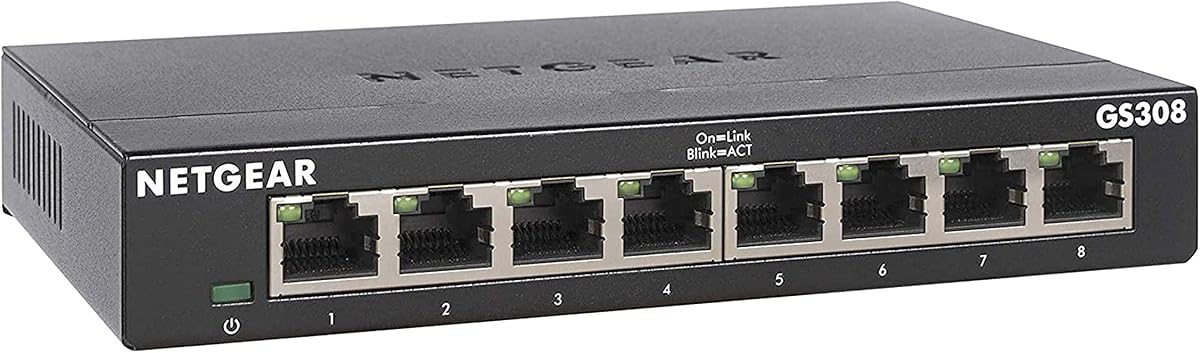
The NETGEAR GS308 is a popular unmanaged switch for simple needs. It has a 4.8 rating for reliability and ease of use in expanding wired networks.
We may earn a commission when you buy through this link, at no additional cost to you.
Eight 1.0Gbps ports provide high-speed connectivity. Auto-negotiating ports ensure optimal speed detection without configuration steps.
The compact design supports desktop or wall-mount placement. However, it lacks advanced smart management features like VLANs or QoS control.
This choice suits straightforward network expansion. It delivers silent, energy-efficient operation and works well in U.S. and Canadian regions.
Features 8 x 1.0Gbps Ethernet ports for high-speed connectivity. Auto-negotiating ports detect the optimal speed for connected devices.
Fanless design ensures silent performance. IEEE 802.3az Energy Efficient Ethernet reduces power consumption.
We may earn a commission when you buy through this link, at no additional cost to you.
The NETGEAR GS305E offers easy smart management in a compact unit. With a 4.7 rating, it balances functionality and size for small setups.
We may earn a commission when you buy through this link, at no additional cost to you.
It features five 1.0Gbps ports with auto-negotiating capabilities. The intuitive interface allows configuring VLANs and prioritizing traffic for specific needs.
Its compact metal design supports desktop or wall-mount placement. However, it requires some setup steps compared to unmanaged switches.
This switch fits small businesses needing control. It ensures silent operation and energy efficiency while supporting regional compatibility in U.S. and CA.
Intuitive software interface offers Easy Smart Managed Essentials capabilities. Configure VLANs and prioritize traffic with QoS.
Fanless design ensures silent performance. IEEE 802.3az Energy Efficient Ethernet reduces power consumption.
We may earn a commission when you buy through this link, at no additional cost to you.
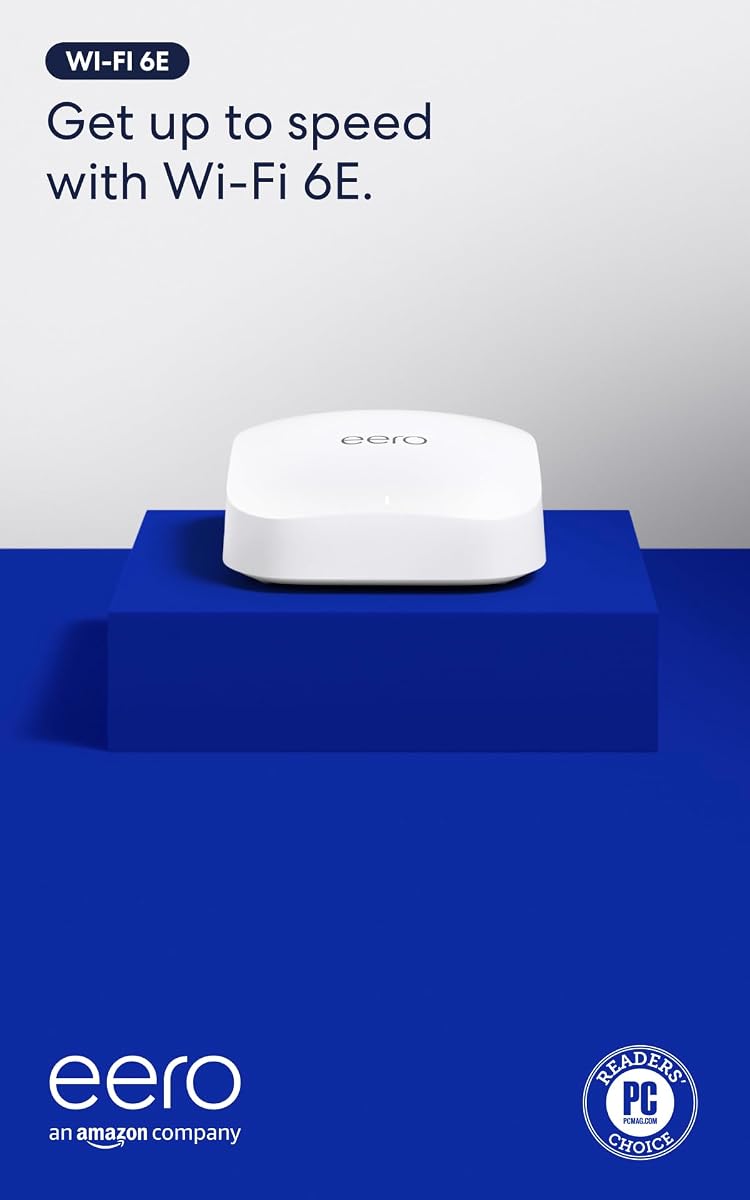
The eero Pro 6E is a powerful mesh router with high-speed Ethernet. It holds a 4.3 rating for its support of plans up to 2.5 Gbps.
We may earn a commission when you buy through this link, at no additional cost to you.
It enables gigabit+ internet plans using the 2.5 Gb Ethernet port. Network coverage reaches up to 2,000 sq. ft. supporting 100+ connected devices.
The device minimizes dead spots and buffering. While it acts as a gateway, it does not serve as a multi-port switch.
Choose this to replace your current router. It integrates with existing eero systems and receives automatic updates for security.
Supports network speeds up to 2.5 Gbps. Enables gigabit+ internet plans when using the 2.5 Gb Ethernet port.
The eero app guides you through setup. Customer support is available by phone or email.
We may earn a commission when you buy through this link, at no additional cost to you.
The eero 6 provides whole-home Wi-Fi 6 coverage. It carries a 4.4 rating for its ability to handle up to 900 Mbps plans.
We may earn a commission when you buy through this link, at no additional cost to you.
It connects 75+ devices with reduced buffering. A built-in Zigbee smart home hub eliminates the need for separate hubs.
Coverage extends up to 1,500 sq. ft. The eero app allows managing the network from anywhere easily.
This model suits homes needing reliable Wi-Fi. It receives automatic updates to keep your network safe and secure over time.
eero 6 connects compatible devices on your network with Alexa. There is no need to buy separate smart home hubs.
With cross-compatible hardware, you can easily add eero products. Manage your network from anywhere via the app.
We may earn a commission when you buy through this link, at no additional cost to you.
The eero PoE 7 delivers top performance as a mountable access point. It has a 4.1 rating for supporting wireless speeds up to 3.9 Gbps.
We may earn a commission when you buy through this link, at no additional cost to you.
With one 10 GbE port and one PoE+ port, it supports 200+ connected devices. Tri-band wifi boosts multi-gigabit backhaul speeds.
This device eliminates power cables for cleaner installation. However, it needs a PoE switch and comes with a higher price tag.
Best for modern homes seeking reliability. It maintains connection drops and supports backward compatibility with all eero devices.
Proprietary TrueChannel and TrueRoam software help avoid interference. You stay connected to fast, reliable wifi from room to room.
Backward compatible with all eero devices. New eero Wi-Fi 7 routers are backed by a three-year warranty.
We may earn a commission when you buy through this link, at no additional cost to you.
The eero 7 helps future-proof networks with Wi-Fi 7. It holds a 4.4 rating for its affordability and support of 2.5 Gbps internet plans.
We may earn a commission when you buy through this link, at no additional cost to you.
It supports internet plans up to 2.5 Gbps with two auto-sensing 2.5 GbE ports. Wireless speeds reach up to 1.8 Gbps for fast performance.
It minimizes network disruptions and dead spots. While dual-band, it still delivers robust coverage for most residential needs.
Choose this to enjoy latest tech features. It is backward compatible with previous eero generations and backed by a three-year warranty.
Delivers better performance with Wi-Fi 7 exclusive features like multi-link operation. Patented TrueMesh software keeps you on optimal connections.
Use any single eero as a gateway. Add it to existing eero network to extend wifi coverage.
We may earn a commission when you buy through this link, at no additional cost to you.
Selecting the right switch depends on your network size, speed needs, and whether you require managed or unmanaged features.
Determine how many wired devices you need to connect. Switches range from 5 to 10 ports, with speeds varying from 1 Gigabit to 10 GbE.
Choose a switch with enough ports to cover your current and future devices without running out of space.
Unmanaged switches plug and play without configuration. Managed switches allow VLANs and QoS for better traffic control and security.
Select managed switches if you need advanced control over your network traffic.
Power over Ethernet allows devices to receive power through data cables. Check if your switch supports PoE+ and its power budget.
PoE is essential if you plan to connect IP cameras or access points.
Look for switches with Energy Efficient Ethernet technology. These devices reduce power consumption based on actual usage.
Energy efficient switches save money and reduce heat generation.
Consider whether you need desktop or wall mounting options. Metal cases offer better durability and heat dissipation.
Choose a design that fits your available space and mounting preferences.
Check the warranty length and technical support availability. Brands like TP-Link offer 3-year warranties.
Good support ensures help is available if issues arise.
Ensure the switch works with your existing cables and router. Most switches work with Cat5e and Cat6 cables.
Verify regional compatibility if purchasing internationally.
Balance cost with the features you actually need. Basic switches are affordable while advanced ones cost more.
Avoid overspending on features you do not require.
Place the switch in a well-ventilated area to prevent overheating. Ensure it is near your router for easy cable connection.
Connect your router to the switch using an Ethernet cable. Then plug devices into the available ports on the switch.
Check for firmware updates regularly to maintain security and performance. Avoid placing the switch in direct sunlight or damp areas.
If you plan to use eero PoE access points, a PoE switch is necessary. These access points draw power through Ethernet, eliminating the need for separate outlets. However, standard eero routers do not require PoE switches for basic operation.
The number of ports depends on your wired devices. If you have more wired devices than your router provides, choose a switch with enough ports to cover all needs. A 5-port or 8-port switch usually covers most homes.
Gigabit ports support up to 1,000 Mbps speeds. 2.5GbE supports up to 2,500 Mbps. Choose 2.5GbE if your internet plan exceeds 1 Gbps for faster wired speeds.
Yes, managed and unmanaged switches can coexist. The managed switch allows advanced settings for connected devices, while unmanaged switches simply extend connectivity. Ensure compatibility between the two types.
Slow speeds might result from damaged cables or outdated network hardware. Ensure all cables are Cat5e or higher and that your router supports the same speeds. Check settings like duplex mode if issues persist.
Yes, many modern switches feature fanless designs for silent operation. Look for models explicitly stating fanless or energy-efficient design if noise is a concern in your home or office.
Most standard Ethernet switches work with eero routers and access points. The eero system uses standard protocols that are widely compatible with third-party hardware. Check manufacturer specs for any restrictions.
A PoE budget is the total power a switch can deliver to connected devices. It is measured in watts. Ensure your devices total power requirements do not exceed this budget to prevent underpowering.
The TP-Link TL-SG105, NETGEAR GS308EP, and eero PoE Gateway are top choices for most users. Each offers distinct benefits depending on budget and advanced feature needs.
Prioritize port count and speed to ensure your network supports current devices. Consider managed features if you need traffic control or PoE for access points.
Prices change frequently, so verify the latest listings before purchasing. These switches help build a reliable wired foundation for your eero wireless network.