
Seagate 1TB Mobile HDD
4.4Editor score
Lightweight 7mm design
High capacity thin drive
Easy integration
Choosing the right hard drive for Eufy Homebase 3 is crucial for reliable home security. High capacity and fast write speeds ensure smooth video recording without interruptions.
We evaluated ten top hard drives based on compatibility, durability, and performance. Our analysis covers diverse options suitable for various surveillance needs and budgets.
Each pick details key features, pros, and cons to guide your decision. Note that product availability and pricing can change frequently, so check the latest updates.
4.4Editor score
4.3Editor score

4.6Editor score
As an Amazon Associate we earn from qualifying purchases.
The following comparison table presents detailed specifications for each selected hard drive. This side-by-side view helps you quickly identify the model that fits your specific needs and budget.





This Western Digital drive offers dependable storage for general computing needs. With a 4.6 rating, it ensures your data remains safe and accessible during daily operations.
We may earn a commission when you buy through this link, at no additional cost to you.
It features WD quality and reliability backed by rigorous testing. The included Acronis True Image WD Edition cloning software simplifies data migration for users upgrading their systems.
While reliable, it lacks specific optimizations for continuous video recording. The workload rate is lower compared to drives designed specifically for surveillance systems.
Choose this drive if you need general storage for your setup. It is an excellent choice for users prioritizing brand reliability and software tools over specialized performance.
Designed for general use, this drive handles daily tasks with ease and consistency.
Certified to work with a wide range of high-performance PC configurations.
We may earn a commission when you buy through this link, at no additional cost to you.
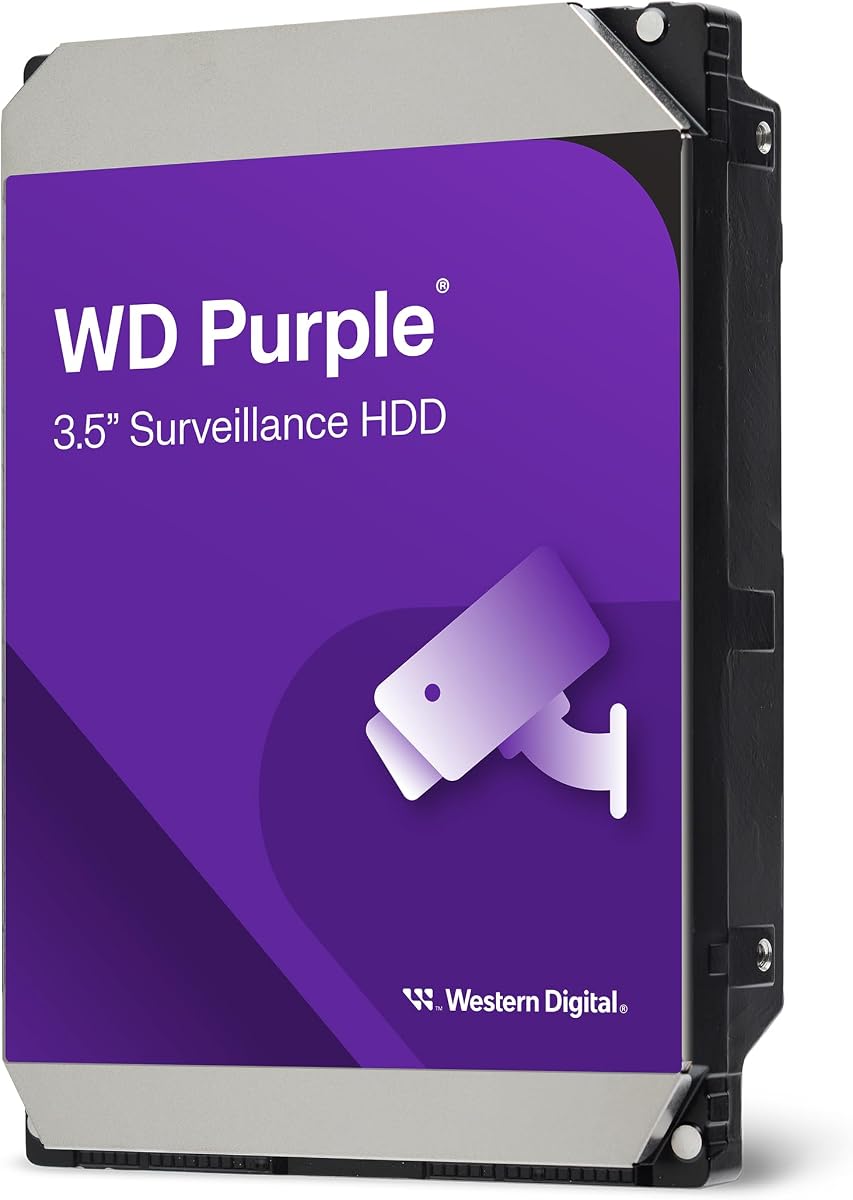
Western Digital designed this drive specifically for surveillance applications. It ensures smooth recording by optimizing performance for write-intensive, low bit-rate workloads.
We may earn a commission when you buy through this link, at no additional cost to you.
WD AllFrame technology minimizes frame loss and improves system reliability. It supports high stream counts typical of multi-camera setups, making it ideal for security systems.
The drive handles up to 180 TB per year workload rate. This robust capacity ensures that high data transfer demands do not compromise overall system performance.
Ideal for security systems, this drive delivers consistent recording quality. Consider it if you need reliable storage tailored for demanding surveillance environments.
Delivers optimizations for write-intensive workloads typical to surveillance applications.
Supports up to 180 TB per year for consistent performance.
We may earn a commission when you buy through this link, at no additional cost to you.
This Seagate BarraCuda drive offers massive storage in a compact form. It is built for desktop PCs but provides ample space for extensive data retention.
We may earn a commission when you buy through this link, at no additional cost to you.
It features the proven reliability of BarraCuda internal drives. Users can confidently rely on its technology backed by decades of innovation for consistent performance.
At 5TB, it holds significant amounts of photos, videos, and music. This capacity is perfect for users who need to store large media libraries locally.
Best for desktop storage needs, this drive balances size and capacity. Choose it if you need high capacity in a standard SATA form factor.
Proven reliability of BarraCuda internal hard drives for confident computing.
Available in 5TB capacity for massive data retention.
We may earn a commission when you buy through this link, at no additional cost to you.
Seagate's highest capacity thin laptop drives are lightweight and efficient. At 1TB, it offers a balance of capacity and physical size for mobile users.
We may earn a commission when you buy through this link, at no additional cost to you.
The 7mm thin design enables easy integration into existing mobile designs. It is light in weight to support portable computers without adding bulk.
It stores up to 200,000 photos or 124 hours of video. This capacity is sufficient for everyday storage needs and media backups.
Ideal for upgrading laptops or mobile storage, this drive is compact. Consider it if you need a thin, reliable drive for portable setups.
Seagate's highest capacity thin, 7mm, laptop drives at 1TB and 2TB.
Light in weight to support portable computers efficiently.
We may earn a commission when you buy through this link, at no additional cost to you.
This drive offers massive storage capacity for desktop users. With 8TB, it allows users to store extensive data without worrying about running out of space.
We may earn a commission when you buy through this link, at no additional cost to you.
It boasts a sustained transfer rate of 190MB/s for fast access. The reliability is backed by twenty years of innovation in internal hard drive technology.
Ideal for gaming setups or media storage, this drive handles large files. The frustration free packaging ensures a safe delivery for your valuable components.
Best for massive storage needs, this drive is a powerful addition. Choose it if you require high capacity for data-intensive applications.
Store more, compute faster, and do it confidently.
Backed by 20 years of innovation in storage technology.
We may earn a commission when you buy through this link, at no additional cost to you.
Seagate Skyhawk drives are custom-built for surveillance applications. They feature Image Perfect firmware ensuring crisp, clear video for continuous 24×7 recording.
We may earn a commission when you buy through this link, at no additional cost to you.
The workload rating is three times higher than desktop drives. This ensures reliable performance in write-intensive surveillance systems with multiple cameras.
It supports up to 10TB capacity to store extensive video footage. Users can store up to 10,000 hours of HD video on this drive.
Ideal for security systems, this drive is optimized for reliability. Consider it if you need a cost-effective solution for continuous recording.
Custom-built for surveillance applications with Image Perfect firmware.
Maximum 180TB/year workload rating for reliable performance.
We may earn a commission when you buy through this link, at no additional cost to you.
This drive offers substantial storage for extensive surveillance systems. With 6TB, it accommodates a large number of high-resolution surveillance footage.
We may earn a commission when you buy through this link, at no additional cost to you.
It features Drive Health Management for proactive monitoring. The cache size is larger than lower capacity models, aiding performance.
Designed for 24/7 operation with a high workload rate. The RV sensors help maintain performance in RAID or multi-drive systems.
Best for large-scale security systems, this drive ensures reliability. Choose it if you need high capacity for advanced surveillance setups.
Integrated health monitoring for proactive maintenance.
6TB of capacity to store extensive video data.
We may earn a commission when you buy through this link, at no additional cost to you.
The Seagate SkyHawk 2TB is tailored for smaller surveillance setups. It includes all essential features optimized for continuous 24×7 recording.
We may earn a commission when you buy through this link, at no additional cost to you.
It ensures crisp video quality through custom firmware. The drive health management helps keep your system running smoothly.
The workload rating supports demanding surveillance applications well. It is compatible with standard DVR and NVR systems for easy integration.
Ideal for entry-level security systems, this drive is reliable. Choose it if you need a cost-effective drive for basic camera setups.
Custom-built for surveillance applications with Image Perfect firmware.
Includes a 3-year limited manufacturer warranty.
We may earn a commission when you buy through this link, at no additional cost to you.
Seagate SkyHawk AI offers specialized features for advanced surveillance. It supports up to 64 HD cameras and 32 AI channels effectively.
We may earn a commission when you buy through this link, at no additional cost to you.
The drive is designed for ultimate reliability with high workload ratings. It ensures smooth, reliable recording and analysis of multiple video streams.
Features include rapid data transfer and tarnish-resistant components. Rescue Data Recovery Services are included for safeguarding valuable data.
Best for advanced security needs, this drive supports AI analysis. Consider it if you require a robust solution for complex systems.
Supports up to 32 AI channels for intelligent surveillance.
Designed for 24/7 operation with a 550TB/year workload limit.
We may earn a commission when you buy through this link, at no additional cost to you.
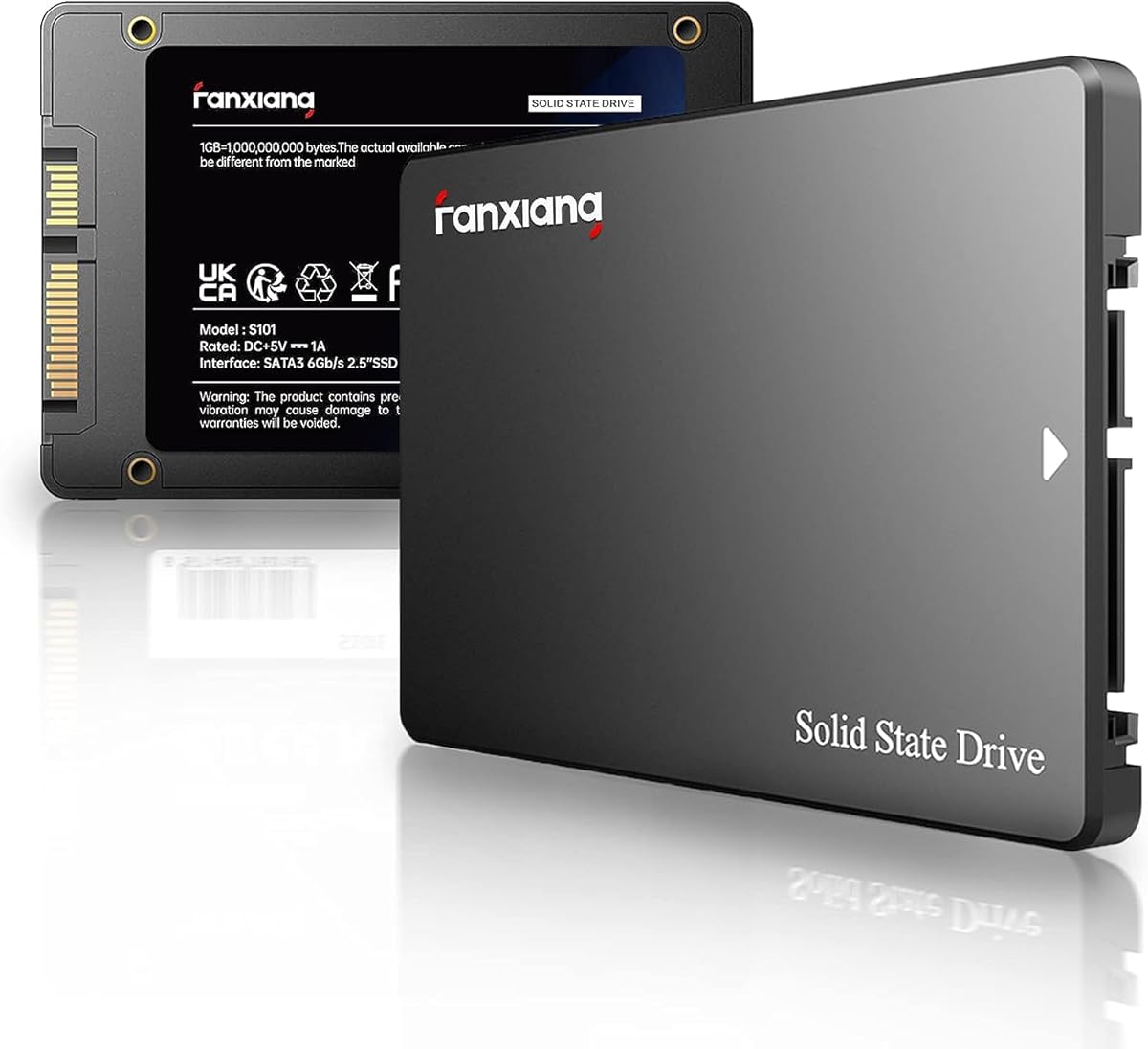
This fanxiang SSD offers blazing read and write speeds of 520MB/s. It facilitates rapid file and data transfers for responsive system performance.
We may earn a commission when you buy through this link, at no additional cost to you.
The drive incorporates 3D NAND TLC chips for longevity. This ensures a more reliable data storage solution compared to other memory types.
It boots up at least 50% faster than HDDs. The speed and durability make it suitable for users requiring quick access.
Best for speed-focused users, this drive is reliable. Choose it if you need rapid performance and extended durability for your system.
The fanxiang 1TB SSD 2.5 Inch SATA SSD achieves blazing read and write speeds.
The 2.5 SATA SSD 1TB incorporates 3D NAND TLC chips for longevity.
We may earn a commission when you buy through this link, at no additional cost to you.
Selecting the right storage requires understanding key factors like capacity, speed, and durability. This guide outlines the most important aspects to consider.
Storage capacity determines how much footage you can keep locally. For continuous recording, larger capacities ensure longer retention without overwriting important clips.
Choose a capacity that matches your retention needs and number of cameras.
Surveillance drives are optimized for 24×7 recording. Desktop drives may not handle the write intensity well, leading to reliability issues.
Always prioritize drives designed for surveillance applications.
Ensure the drive interface matches your system port. Most systems use SATA interfaces, but verify the specific requirements before purchasing.
Check compatibility to avoid installation issues.
Higher RPM and cache sizes improve data handling. Faster speeds help maintain smooth recording when multiple streams are active simultaneously.
Look for higher specs to prevent frame loss.
Long lifespan is crucial for continuous operation. Drives with longer warranties indicate manufacturer confidence in reliability.
Consider warranty length as a key factor.
Workload rating measures data transfer over a year. Higher ratings mean the drive can handle more data without failure.
Select drives with high workload ratings for security systems.
Drives come in different sizes like 3.5 or 2.5 inches. Ensure your system casing can accommodate the physical dimensions of the drive.
Measure your system space before buying.
Budget varies based on capacity and features. Balance cost with the reliability requirements of your specific security setup.
Prioritize reliability over price when possible.
First, ensure the drive is properly formatted by your system before use. Proper formatting ensures compatibility and data integrity during recording.
Second, avoid moving the drive while it is operating. Mechanical drives are sensitive to shock, which can lead to physical damage.
Third, keep your system well-ventilated to prevent overheating. Excessive heat can reduce the lifespan and performance of storage components.
Regular desktop drives can work, but they are not optimized for continuous video recording. Surveillance drives are designed to handle write-intensive workloads better.
Storage needs depend on camera count and resolution. A 2TB drive might suffice for a few cameras, while larger setups require 4TB or more.
Yes, the drive should be formatted to the correct file system. The Homebase 3 system typically handles formatting during initial setup.
Some systems allow expanding storage with multiple drives, but Homebase 3 supports a single drive. Check specific compatibility for your model.
Most systems automatically overwrite the oldest footage. This ensures continuous recording without manual intervention.
SSDs offer faster speeds but cost more per GB. HDDs are more economical for large storage needs typical in security setups.
Drive health can be monitored through the system interface. Some drives come with software to check status and warnings.
The drive should match the system's power output. Ensure the power supply is sufficient for the added storage component.
Choosing the right hard drive is essential for reliable home security. The top picks offer various options balancing capacity, speed, and durability.
Prioritize drives optimized for surveillance to ensure smooth operation. Factors like workload rating and warranty are critical considerations.
Always check current product availability and pricing. Storage solutions evolve, so staying updated helps you make the best decision.