
TERRAMASTER D4-320 External Enclosure
4.2Editor score
USB 3.2 Gen2 speed
Hot swappable drives
Tool-free installation
Direct attached storage devices for PC offer a reliable way to expand your system without complex network setups. Whether you need more space for media or faster access for workloads, these solutions integrate seamlessly.
We evaluated ten top models based on performance, reliability, and compatibility across Windows, Mac, and Linux. Our analysis covers internal hard drives, external enclosures, and hybrid setups to help you choose wisely.
Each pick highlights key features, pros, and cons so you can find the right fit for your workflow. Keep in mind that prices and availability change frequently, so check current listings before buying.
4.2Editor score

4.2Editor score

3.9Editor score
As an Amazon Associate we earn from qualifying purchases.
This side-by-side comparison summarizes the essential specifications and capabilities of each model to help you quickly identify the best fit for your PC storage needs.





The QNAP TR-004 stands out as a versatile direct attached storage device for PC users who need reliable hardware RAID without networking complexity. It offers a solid four-bay enclosure that connects via USB Type-C and supports multiple RAID modes.
We may earn a commission when you buy through this link, at no additional cost to you.
Its hardware RAID support allows you to configure data redundancy or performance modes directly on the enclosure. The included USB-C to Type-A cable ensures compatibility across various ports. Lockable drive bays add security for shared workspaces.
While it lacks NAS functionality like app installations, its focus on fast external storage makes it ideal for backup pools or expansion. Drive migration is limited to similar units, which is a minor trade-off for simplicity.
For professionals needing structured storage expansion without IT overhead, this TR-004 delivers strong value. It balances performance with ease of use, making it our top recommendation for general direct attached storage needs.
Choose from RAID 0, 1, 5, JBOD, or individual disk modes to match your data priorities.
Works seamlessly with Windows, macOS, and Linux systems without extra software setup.
We may earn a commission when you buy through this link, at no additional cost to you.
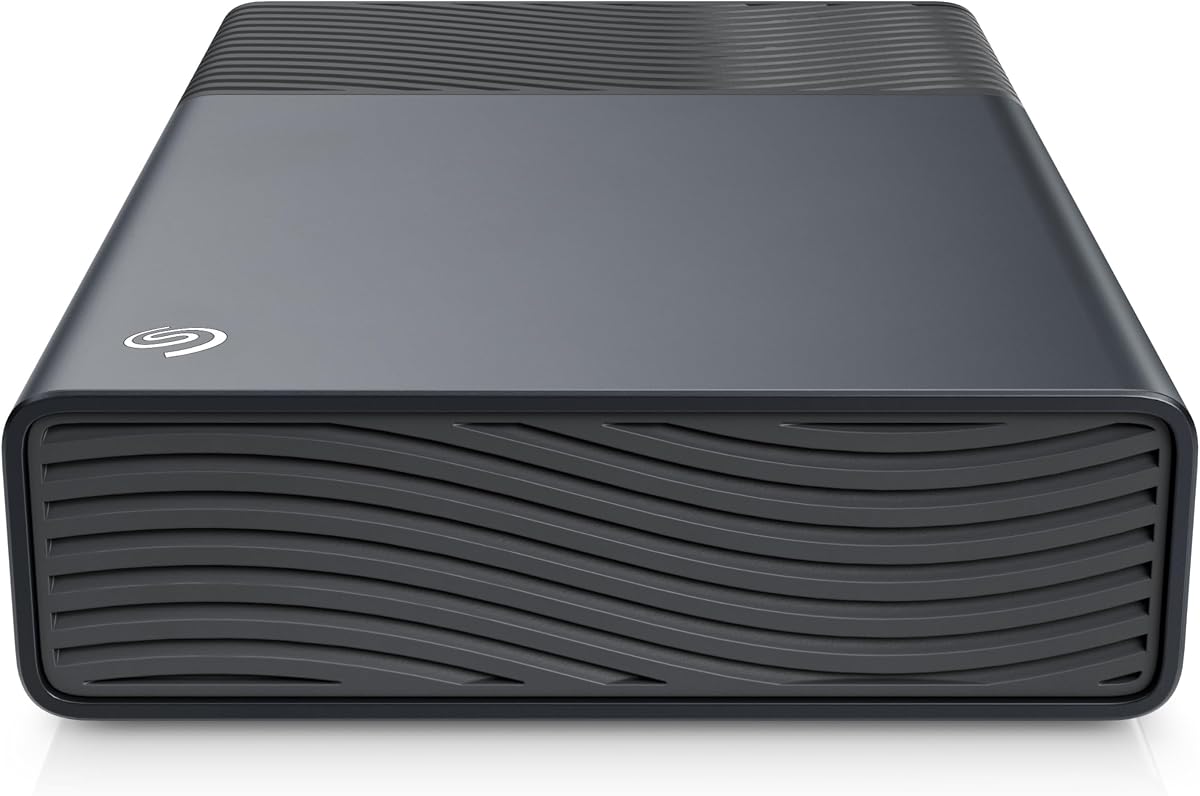
The TERRAMASTER D4-320 provides an affordable entry into direct attached storage for PC with four drive bays and USB 3.2 Gen2 speeds. It is designed for users who want fast file access without complex configuration.
We may earn a commission when you buy through this link, at no additional cost to you.
Its plug-and-play nature eliminates driver hassles on Mac, Windows, and Linux. The tool-free trays with Push-lock design make drive swaps quick and secure. Temperature-controlled fans keep noise low during operation.
Lacking RAID features means you manage disks individually which reduces redundancy but simplifies use. Still, the high combined read/write speeds make it great for media libraries or large project files.
If you seek a budget-friendly way to scale storage capacity without breaking the bank, this enclosure fits the bill. It delivers reliable connectivity and efficient heat management for everyday use.
Secure trays lock automatically upon insertion allowing easy access without screws or tools.
USB 3.2 Gen2 delivers up to 10Gbps bandwidth for fast file moves and backups.
We may earn a commission when you buy through this link, at no additional cost to you.
Western Digital's WD Red Pro offers premium performance for direct attached storage setups that handle intensive workloads. Its 16TB capacity and CMR technology ensure consistent speeds even under heavy 24×7 usage scenarios.
We may earn a commission when you buy through this link, at no additional cost to you.
Rated for 550TB per year, this drive suits multi-user environments where reliability is critical. Western Digital partners with vendors for extensive compatibility checks across NAS enclosures. The 512MB cache supports efficient data buffering.
While not an enclosure itself, pairing it with a quality DAS creates a robust storage solution. The price point is higher but justified for professional workflows demanding endurance and volume.
Choose this drive if you prioritize long-term stability and large space in a single unit. It remains a top choice for power users building reliable internal storage arrays.
Handles intense data transfers year-round with minimal risk of failure or slowdown.
Conventional Magnetic Recording ensures stable speeds and durability over SMR alternatives.
We may earn a commission when you buy through this link, at no additional cost to you.
The Seagate BarraCuda 8TB is a trusted internal hard drive for general PC storage needs. It supports music, video, photo editing, and gaming with a straightforward SATA interface and decent transfer speeds.
We may earn a commission when you buy through this link, at no additional cost to you.
Backed by two decades of innovation, this drive offers consistent performance without fancy features. The anti-static bag packaging reduces waste. It works reliably in desktops for everyday tasks.
Transfers hover around 190MB/s which is typical for consumer HDDs. While not fastest, it balances cost and capacity well for users prioritizing space over speed.
Buy this if you need extra internal storage for common applications without overspending. Its simplicity makes it an excellent choice for bulk data retention.
Suitable for nearly every PC application from media storage to gaming libraries.
Built on years of technology development for consistent internal performance.
We may earn a commission when you buy through this link, at no additional cost to you.
Samsung's 870 EVO brings professional-grade speed and reliability to internal PC storage. With sequential read speeds up to 560MB/s, it maximizes SATA interface limits for responsive workflows.
We may earn a commission when you buy through this link, at no additional cost to you.
Designed for gamers and pros handling heavy workloads, it features a variable buffer for sustained performance. Samsung Magician software aids management. AES 256-bit encryption secures sensitive data.
Endurance reaches 600 TBW under a five-year warranty. While more expensive than HDDs, the speed gain benefits system responsiveness and file access times significantly.
Upgrade to this SSD if you value fast boot and app load times. It remains an industry benchmark for SATA-based internal storage solutions.
Handles intensive tasks like 8K video processing with high total bytes written capacity.
Built-in encryption ensures files remain protected against unauthorized access.
We may earn a commission when you buy through this link, at no additional cost to you.
The IronWolf 12TB targets multi-user NAS environments but works well in high-capacity DAS setups. It balances ultra-high capacity with low noise and vibration for quieter operation.
We may earn a commission when you buy through this link, at no additional cost to you.
IronWolf Health Management tracks drive status proactively. The included three-year Rescue Data Recovery adds peace of mind. Rated for 1M hours MTBF, it promises long-term reliability.
A 256MB cache supports efficient data handling. While built for RAID, single drive use also benefits from its robust design. The price reflects its business-grade positioning.
Select this drive if you need massive storage with enhanced durability. It suits workstations or home labs requiring consistent performance over time.
Integrated system monitors drive health to prevent unexpected failures or data loss.
Three-year recovery plan helps restore data if the drive becomes inaccessible.
We may earn a commission when you buy through this link, at no additional cost to you.
The One Touch desktop drive delivers massive 16TB storage via a single USB-C cable. It is bus-powered requiring no wall outlet making it simple to set up for backups or media.
We may earn a commission when you buy through this link, at no additional cost to you.
One port and cord keep clutter minimal. Trusted performance safeguards assignments and sensitive files. The two-year warranty and Rescue Data Recovery Services protect your investments.
While not expandable internally, its high capacity suits users needing a ready-to-go external library. Ideal for creatives storing large projects on the go.
Choose this for hassle-free external storage with ample space. It balances capacity with straightforward plug-and-play usability.
Operates directly from your PC or device without extra power adapters.
Minimalist setup reduces cable mess on your desk or workspace.
We may earn a commission when you buy through this link, at no additional cost to you.
WD Blue provides reliable internal storage for everyday computing with capacities up to 12TB. Its 7200 RPM speed ensures quick file access compared to lower-rpm alternatives.
We may earn a commission when you buy through this link, at no additional cost to you.
Free Acronis True Image WD Edition cloning software simplifies upgrades. WD quality and reliability are longstanding traits. It works well in desktop PCs for general data storage.
This drive prioritizes affordability and capacity over specialized features. It suits users needing large local storage without premium NAS requirements.
Opt for this if you want a solid internal drive for home or office use. It offers balanced performance and dependable construction.
Cloning software included helps migrate data when switching to larger drives.
Up to 12TB in a single unit reduces the need for multiple drives.
We may earn a commission when you buy through this link, at no additional cost to you.
The D8 Hybrid merges four HDD bays with four M.2 NVMe slots for flexible storage strategies. This allows placing hot data on SSDs and cold data on HDDs efficiently.
We may earn a commission when you buy through this link, at no additional cost to you.
Total capacity reaches 152TB using mixed drives. NVMe slots support up to 980MB/s speeds. The Push-Lock design ensures trays stay secure. Power on recovery aids unattended operations.
Management requires manual data placement which adds complexity but offers control. Ideal for advanced users wanting speed and volume without separate systems.
Consider this if you need tiered storage in one enclosure. It combines massive space with high-speed access points.
Optimize access speed and costs by separating frequently and infrequently accessed data.
Supports fast M.2 SSDs for critical application and project files.
We may earn a commission when you buy through this link, at no additional cost to you.
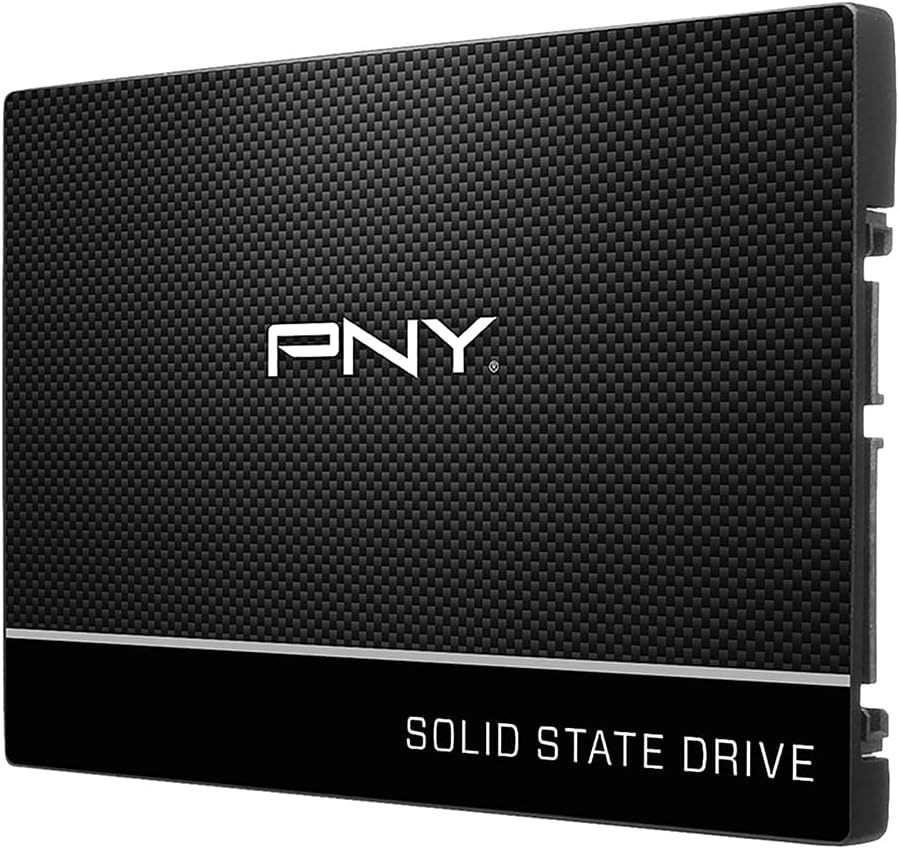
The PNY CS900 offers a cost-effective internal SSD upgrade for laptops and desktops. With up to 550MB/s read speeds, it delivers fast boot and app loading times.
We may earn a commission when you buy through this link, at no additional cost to you.
Low power consumption extends battery life in mobile units. Backwards compatible with SATA II for older systems. It exceeds traditional HDD performance significantly.
Capacity suits OS and apps rather than large media. For its price, it provides noticeable system responsiveness boosts.
Ideal for budget-conscious users needing quicker performance. It remains a smart choice for essential internal storage upgrades.
Experiencing quicker system startup and app loads compared to older hard drives.
Consumes less power than mechanical drives for longer battery life on laptops.
We may earn a commission when you buy through this link, at no additional cost to you.
Selecting the right storage involves balancing capacity, speed, and your specific workflow. These factors will help narrow down the options effectively.
Consider how much data you plan to store now and in the future. Internal drives range from 500GB to 16TB while external enclosures support multiple drives for massive expansion.
Aim for enough space to avoid constant file management while leaving room for growth.
USB 3.2 Gen2 or SATA III limits transfer rates significantly. For large video files, higher bandwidth reduces wait times during read and write operations.
Choose faster interfaces like USB-C or high RPM drives to match your workflow demands.
SSDs provide speed while HDDs offer cost per terabyte. Hybrid setups combine both for tiered storage strategies that optimize performance and expenses.
Prioritize SSDs for system speed and HDDs for bulk archival data.
If data redundancy matters, hardware RAID support adds security at the cost of some capacity. Enclosures with RAID offer protection without network setup.
Decide between individual disk mode or mirrored volumes based on your risk tolerance.
Ensure the device works seamlessly with your OS without extra drivers. Most modern DAS devices support Windows, macOS, and Linux out of the box.
Check documentation for any formatting requirements before connecting drives.
Desktop enclosures often include fans for cooling which can add noise. Look for units with temperature-controlled fans and sound dampening for quieter spaces.
Evaluate noise levels if you work near the storage device.
Bus-powered drives simplify setups by drawing power from the PC. Higher capacity systems may need external adapters for stable operation.
Choose bus-powered options when portability and fewer cables are priorities.
Longer warranties and data recovery services provide peace of mind for critical data. Brands often include tools like migration software or health monitoring.
Value comprehensive support plans when investing in high-capacity storage.
Always eject external drives safely before unplugging to prevent data corruption. This step ensures file systems remain intact and accessible.
Keep drives away from extreme temperatures and direct sunlight. Excessive heat can shorten lifespan and affect performance.
Run regular backups to protect important files from hardware failures. Redundancy ensures you do not lose valuable data unexpectedly.
A DAS connects directly to your computer via USB or SATA without needing a network. It provides fast file access similar to internal storage but with more capacity.
Most modern DAS support Windows, macOS, and Linux. You may need to format the drive for cross-platform use depending on your needs.
New drives often come preformatted for Windows. Formatting to exFAT enables use across multiple operating systems easily.
SSDs generally offer faster access and transfer speeds. HDDs provide more capacity per dollar for bulk storage needs.
RAID adds redundancy but does not replace backups. Always maintain copies on separate devices for critical data.
Use included adapters like USB-C to USB-A for legacy ports. Check power requirements to ensure stable connections.
Our top picks highlight the QNAP TR-004 for RAID flexibility, the TERRAMASTER D4-320 for budget efficiency, and the WD Red Pro for premium capacity.
Prioritize speed, capacity, and compatibility when selecting. Consider whether you need redundancy or just raw space.
Prices fluctuate so review current listings before purchase. Investing in the right storage protects your data and boosts productivity.