
Teltonika RUTM50
4.8Editor score
Industrial-grade durability rating
Supports dual SIM failover
Includes RMS remote management
This guide compares the top 5G routers with external antenna ports for superior signal strength. We review features, performance, and reliability to help you
Finding a reliable internet connection in remote areas can be challenging. A 5G router with external antenna ports allows you to boost signal strength significantly. This ensures stable connectivity for work or streaming even in weak coverage zones.
We evaluated ten top models based on speed, antenna options, and build quality. Each device supports 5G networks and offers flexible connectivity solutions. Our analysis focuses on real-world performance and ease of setup for various users.
Every pick highlights key strengths and potential limitations to inform your decision. Prices and availability change frequently so check current listings before buying. This guide ensures you find the right router for your specific connectivity needs.
4.8Editor score

4.2Editor score

4.2Editor score
This table compares all ten routers side-by-side. You can see key specifications like Wi-Fi standards and antenna options at a glance to find the best fit.




The GL.iNet GL-X3000 is a top choice for users needing reliable internet in remote areas. It ranks high due to its robust features and solid 5G performance. This router brings stable connectivity to homes and RVs with ease.
We may earn a commission when you buy through this link, at no additional cost to you.
It supports Wi-Fi 6 with speeds up to 2402Mbps on the 5GHz band. The six detachable antennas allow you to optimize signal strength for your specific environment. Dual-SIM support ensures you never lose connection if one carrier fails.
While the price is on the higher side, the performance justifies the investment for critical applications. The OpenWrt firmware gives advanced users deep control over their network settings. It is ideal for those who need flexibility.
Buy this router if you value security and customization. It is perfect for remote workers or families traveling in rural areas. The failover features ensure your internet stays up when it matters most.
The detachable antennas allow you to connect high-gain external options for better range.
Pre-installed VPN services keep your data private even when on public networks.
We may earn a commission when you buy through this link, at no additional cost to you.
The RM520N AX3000 offers high-speed 5G connectivity powered by the Qualcomm SDX62 modem. It delivers speeds up to 3.4 Gbps which is impressive for mobile internet. The nine detachable antennas provide extensive options for signal optimization.
We may earn a commission when you buy through this link, at no additional cost to you.
This router supports multiple connection methods including Ethernet and cellular. You can distribute bandwidth across these links to ensure stability. It is a solid option for those needing robust hardware for remote locations.
However user user ratings are lower than competitors which suggests some usability issues. The interface may require time to master for average users. But the raw hardware capabilities are strong for the price point.
Consider this model if you need extensive antenna flexibility. It works well for rural homes or small offices. The failover technology ensures you stay connected even during network disruptions.
The Qualcomm SDX62 modem supports both NSA and SA 5G standards efficiently.
Load balancing lets you combine cellular and wired connections for reliability.
We may earn a commission when you buy through this link, at no additional cost to you.
The Teltonika RUTM50 is designed for demanding industrial environments. It features a rugged enclosure that withstands extreme temperatures and conditions. This makes it ideal for critical applications where reliability is non-negotiable.
We may earn a commission when you buy through this link, at no additional cost to you.
Dual SIM failover ensures uninterrupted connectivity by switching between two carriers. Remote management via the RMS platform allows you to configure devices from anywhere. Security is enhanced with OpenVPN and IPsec support.
The price is higher than consumer routers but the durability justifies the cost for business use. It focuses on stability rather than high-end consumer Wi-Fi features. This is a specialized tool for professional needs.
Choose this router for factories or remote sites. It handles harsh conditions better than standard home routers. The remote management features save time on maintenance tasks.
Dual SIM failover keeps your network live even if one carrier fails.
RMS allows you to update and manage devices without physical access.
We may earn a commission when you buy through this link, at no additional cost to you.
The Cudy P5 offers a great balance of features and affordability. It supports 5G speeds up to 3.4 Gbps via the Qualcomm X62 modem. This makes it suitable for small offices needing reliable backup internet.
We may earn a commission when you buy through this link, at no additional cost to you.
Triple failover technology ensures you stay connected via WAN or cellular. The four gigabit ports provide ample wired options for devices. Detachable antennas help improve reception in weak signal areas.
While the internal Wi-Fi is standard the cellular performance is strong. It is a cost-effective solution for business continuity. The app management makes it easy for non-technical users to configure.
Buy this if you need a reliable office router on a budget. It handles multiple connections well. The failover features ensure your business stays online without interruption.
Triple failover keeps your network active even during major outages.
Wall-mount options allow for clean installation in retail spaces.
We may earn a commission when you buy through this link, at no additional cost to you.
The MikroTik Chateau LTE6 is a budget-friendly option for LTE connectivity. It offers five gigabit ports which is rare at this price point. This makes it a powerful choice for homes needing many wired devices.
We may earn a commission when you buy through this link, at no additional cost to you.
The quad-core CPU handles traffic efficiently even with multiple users. Carrier certification ensures it works well with major networks. It provides a stable alternative when wired broadband is unavailable.
It lacks 5G support which may limit future-proofing. The interface can be complex for beginners but offers deep control. For those on a budget it provides excellent hardware value.
Choose this router for wired-heavy homes on a tight budget. It delivers strong performance for the price. The high port count eliminates the need for extra switches.
Five gigabit ports allow direct connection to multiple wired devices.
The quad-core ARM CPU handles network traffic smoothly.
We may earn a commission when you buy through this link, at no additional cost to you.
The MikroTik NetBox 5 is designed for outdoor connectivity. It features a durable enclosure that withstands weather conditions. This makes it ideal for extending wireless coverage to garages or sheds.
We may earn a commission when you buy through this link, at no additional cost to you.
It supports Wi-Fi 6 for faster speeds and better efficiency. Power over Ethernet allows for flexible installation without nearby outlets. The connectorized design lets you attach external antennas easily.
It does not have a built-in cellular modem so you need a wired source. This limits its use as a standalone 5G router. But as an access point it is excellent for outdoor networks.
Buy this to extend Wi-Fi to outdoor areas. It is rugged enough for harsh environments. The PoE support simplifies cabling for remote installations.
The outdoor enclosure protects the unit from rain and dust.
PoE-In support allows for installation in remote locations easily.
We may earn a commission when you buy through this link, at no additional cost to you.
The MikroTik LHG XL 5 is built for long-range wireless links. It features a 27 dBi antenna that reaches up to 30km. This is perfect for connecting remote properties to a main network.
We may earn a commission when you buy through this link, at no additional cost to you.
The outdoor design is weatherproof and resistant to harsh conditions. Power over Ethernet simplifies deployment in outdoor spots. It delivers stable throughput for remote monitoring or access.
It is a specialized CPE device rather than a general router. It requires a clear line of sight for best results. But for long-range links it is highly effective and reliable.
Choose this to connect distant buildings or farms. It provides stable wireless backhaul. The rugged design ensures it works year-round.
The high-gain antenna enables reliable links over many kilometers.
IP54 rating protects the device from rain and dust.
We may earn a commission when you buy through this link, at no additional cost to you.
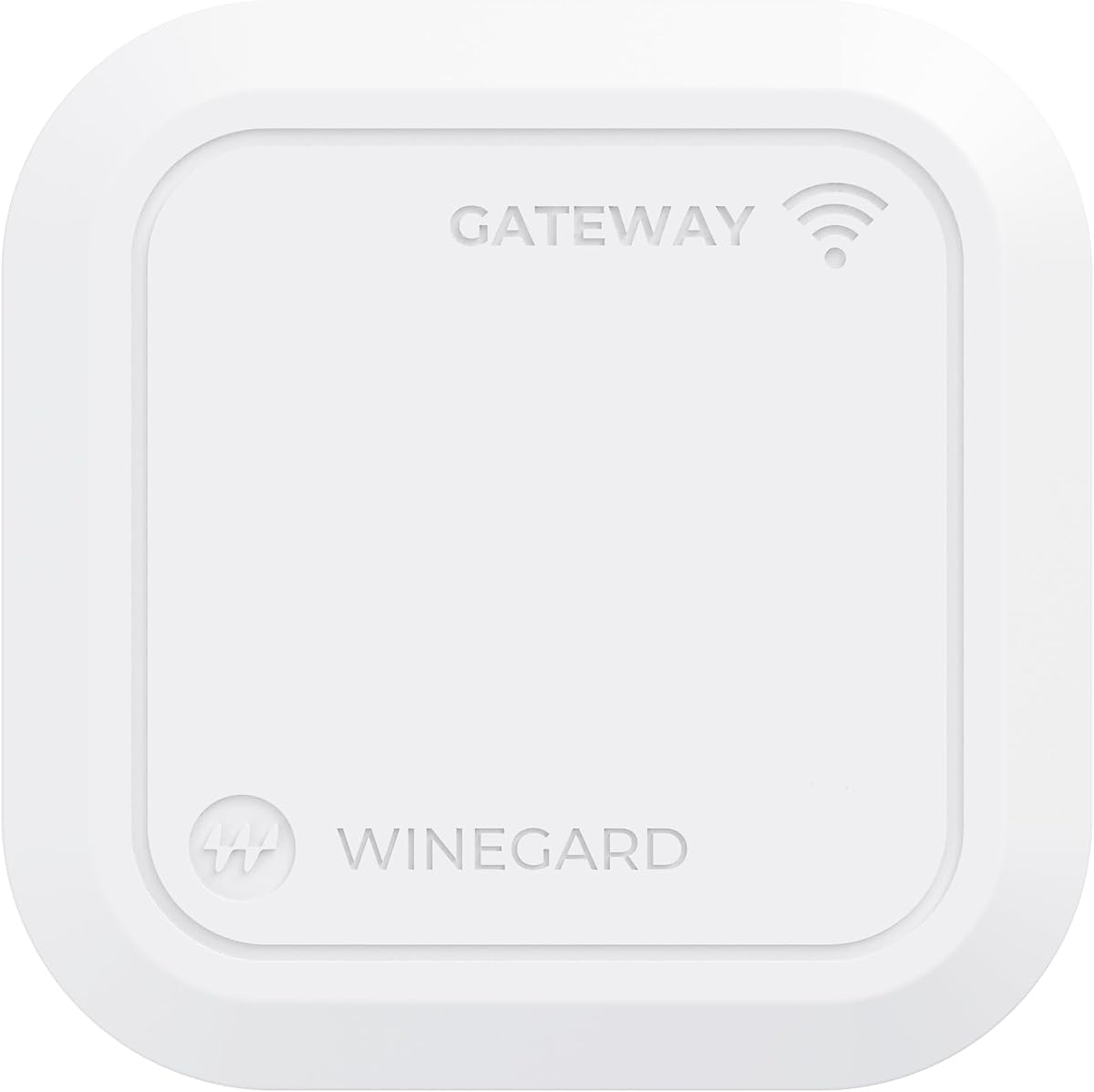
The Winegard Gateway 5G is designed specifically for RV use. It mounts easily to the ceiling for a clean look inside. This provides reliable internet access while traveling or camping.
We may earn a commission when you buy through this link, at no additional cost to you.
It works with Winegard's Air 360+ system and multiple carriers. The 5G modem ensures fast speeds when available. Ethernet WAN support allows hybrid internet with Starlink.
User ratings suggest some connectivity challenges in certain areas. But for dedicated RV users it offers convenience and integration. It simplifies setup for those not tech-savvy.
Buy this if you want a dedicated RV internet solution. It saves space inside your vehicle. The hybrid support offers flexible connectivity options.
The ceiling mount design saves space and improves signal.
You can add satellite networks via Ethernet WAN.
We may earn a commission when you buy through this link, at no additional cost to you.
The GL.iNet GL-E5800 brings Wi-Fi 7 to travelers. It features a powerful Qualcomm Dragonwing MBB Gen 3 modem for fast speeds. This ensures seamless streaming even in remote locations.
We may earn a commission when you buy through this link, at no additional cost to you.
The built-in battery allows for hours of untethered use. You can charge it quickly with PD technology. It supports 2.5G Ethernet for high-speed wired connections.
While it is designed for travel the speed is impressive. The eSIM support removes the need for physical cards abroad. It is a robust tool for mobile workers.
Buy this if you need top-tier speed on the go. It handles media uploads and calls smoothly. The battery lets you stay connected anywhere.
Wi-Fi 7 provides the fastest wireless speeds available today.
Built-in battery and eSIM allow for completely wireless operation.
We may earn a commission when you buy through this link, at no additional cost to you.
The Waveform QuadMini is an antenna kit for 5G routers. It features a low-profile design that blends in outdoors. This helps boost signal without needing large directional dishes.
We may earn a commission when you buy through this link, at no additional cost to you.
It works with routers that have four antenna ports. The omnidirectional design means no aiming is required for installation. A complete kit includes all cables and weatherproofing boots.
It is an accessory rather than a standalone router. You need a compatible router to use it effectively. But for boosting weak signals it is highly effective and simple.
Buy this to upgrade your existing router setup. It improves reliability in weak zones. The easy install makes it accessible for most users.
MIMO isolation helps ensure faster data rates in poor areas.
Omnidirectional design simplifies mounting compared to directional options.
We may earn a commission when you buy through this link, at no additional cost to you.
Selecting the right router requires considering several factors. We break down the key elements you should evaluate before making a purchase.
Ensure the router supports external antennas with SMA or TS9 connectors. This allows you to upgrade to high-gain options for better range. Check if detachable antennas are included or sold separately.
Look for routers with multiple antenna ports for 4×4 MIMO support. This improves speed and stability in cellular networks.
Check the modem generation to ensure it supports the latest 5G standards. Newer modems offer faster speeds and better efficiency. Look for support for both NSA and SA networks.
Speeds vary by carrier so check compatibility with your local providers. This ensures you get the best performance available in your area.
Modern routers should support at least Wi-Fi 6. This ensures efficient connectivity for multiple devices. Wi-Fi 7 offers even higher speeds for advanced users.
Select a router with strong Wi-Fi throughput to avoid bottlenecks. This ensures your devices connect quickly without lag.
Look for routers that support multiple connection methods. This allows you to combine cellular and wired internet for stability. Failover features ensure internet stays on if one link drops.
Choose models with load balancing if you need redundancy. This is crucial for remote offices or home offices that cannot go offline.
Ensure the router has built-in VPN support and firewalls. This protects your data when using public networks. OpenWrt or similar firmware offers better security customization.
Check for regular firmware updates to protect against vulnerabilities. Security is vital for keeping your network safe from threats.
Industrial routers often have better durability than consumer ones. Look for rugged enclosures if you plan to use the device in harsh environments. Consider temperature ranges for outdoor use.
Check warranty terms and support quality. A robust build ensures the device lasts longer in demanding conditions.
Dual SIM slots allow for better connectivity reliability. You can switch between carriers easily without swapping physical cards. Some models support eSIM for added flexibility.
Ensure the router accepts Nano SIMs if you plan to use physical cards. This avoids compatibility issues with your data plan.
A user-friendly interface helps with quick setup and management. Look for mobile apps that simplify configuration and monitoring. This is helpful for non-technical users.
Check if the router allows easy switching of settings. This saves time when adjusting your network needs.
Start by inserting your SIM card and connecting the antennas to the SMA ports. Ensure the connections are tight to prevent signal loss. Boot the device and access the admin panel to configure settings.
Place the router in an open area away from metal objects. This helps maximize signal reception. Adjust the antenna angles slightly for optimal strength.
Keep the firmware updated regularly for security and performance. Check for updates in the admin panel. Clean the device with a dry cloth to avoid dust buildup.
External antenna ports allow you to connect high-gain antennas for better signal. This improves range and speed in remote areas. They help reduce signal loss in weak coverage zones.
Yes you can use them without external antennas. But adding one will improve performance significantly. Built-in antennas work but external ones are better for range.
Most support major carriers but check compatibility first. Some models are carrier-specific. Always verify with your local provider for best results.
Dual-SIM failover switches between two SIM cards if one fails. This ensures you stay connected during network issues. It is vital for reliable remote internet.
Most have pre-installed VPN apps in the admin panel. Select your provider and enter credentials. This secures your traffic and masks your IP.
Yes some models are designed for RVs. They handle movement and varying signals well. Look for ceiling mounts or compact designs for mobile use.
Some routers include antennas while others require separate purchase. Check the product specs before buying. Kits with cables are available for easy setup.
5G range varies by carrier and location. External antennas extend this range significantly. Indoor speeds are faster with strong external signals.
We have reviewed ten top routers to help you find the right one. Each offers unique benefits for different needs like durability or speed. The GL.iNet GL-X3000 stands out for overall versatility.
Prioritize reliability and antenna support for remote areas. Strong connections ensure you stay productive without downtime. Choose based on your specific environment and budget needs.
Remember to check current prices and availability before buying. Deals change often so monitor listings for the best value. This guide helps you make an informed choice with confidence.