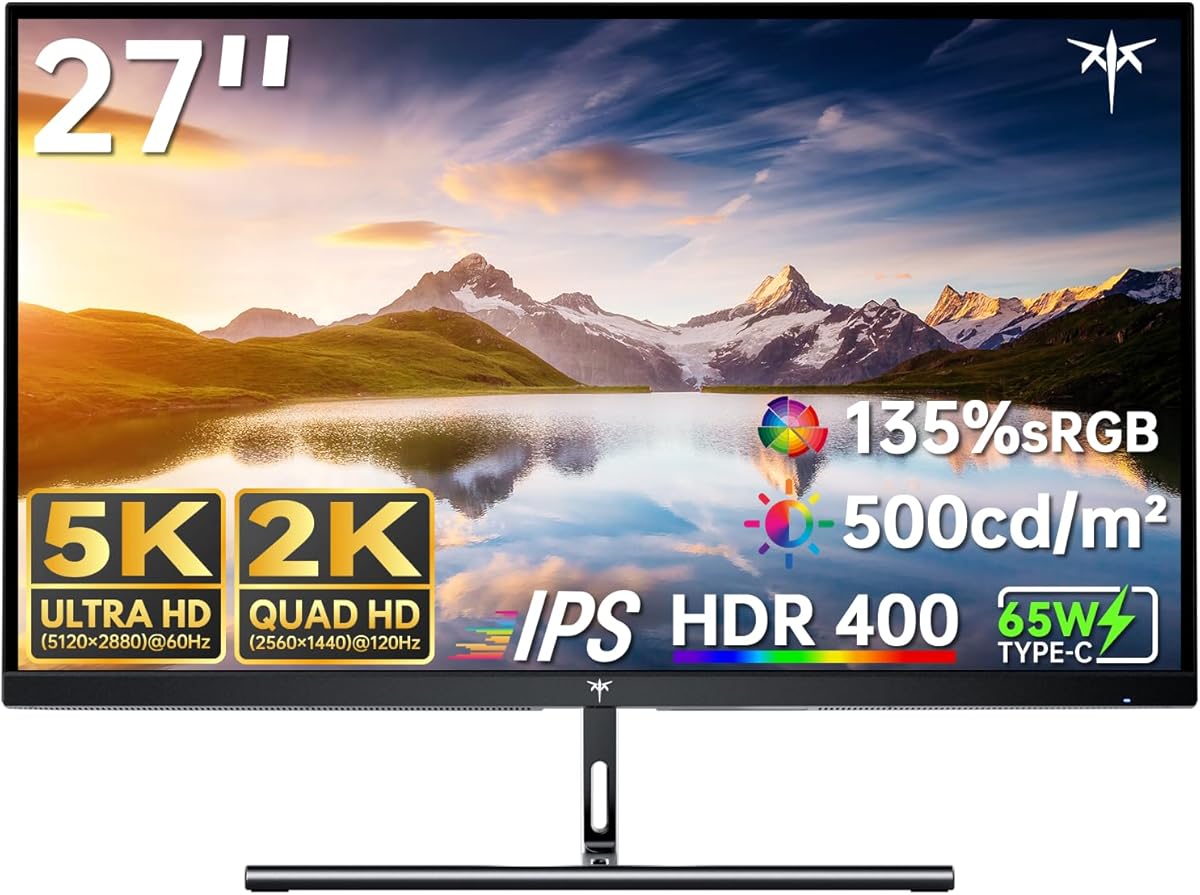
KTC 5K Monitor 27 Inch
4.4Editor score
Dual mode 5K and 2K
99% DCI-P3 coverage
65W Type-C charging
Finding the right display for your workspace is crucial for productivity and visual comfort. A 27 Inch 5K Monitor offers exceptional clarity, allowing you to see every detail in your work without straining your eyes. This level of resolution is ideal for creative professionals who need precise color representation and sharp text rendering.
We have carefully evaluated ten leading models based on their panel technology, connectivity options, and overall performance. Our comparison considers factors like refresh rates, color gamut coverage, and ergonomic features to ensure you find a display that suits your specific workflow. Each product has been selected for its ability to deliver reliable performance.
Every pick in this list highlights unique strengths, from budget-friendly options to premium displays with advanced features. You will see detailed breakdowns of what each monitor offers so you can make an informed decision. Please note that prices and availability change frequently, so check the latest details before purchasing.
4.4Editor score

3.6Editor score
3.1Editor score
As an Amazon Associate we earn from qualifying purchases.
This side-by-side comparison provides a quick overview of the key specifications for each monitor in our lineup. It helps you identify which model best fits your needs regarding resolution, connectivity, and special features without reading every detail.




The ASUS ProArt PA27JCV stands out as a top choice for professionals needing accurate visuals. It features a 27-inch 5K display with factory calibration ensuring Delta E under 2. This level of precision is essential for designers and photographers who rely on true-to-life colors.
We may earn a commission when you buy through this link, at no additional cost to you.
Its 96-watt USB-C port allows you to power a laptop while displaying content through a single cable. The Auto KVM feature simplifies workflows by letting you control two computers with one set of peripherals. Additionally, the included Adobe Creative Cloud subscription adds significant value for creatives.
While the display excels in color performance, the lower user rating suggests some users may have experienced issues. However, the 5-year warranty provides peace of mind against potential defects. The trade-off is worth it for those prioritizing color fidelity over gaming capabilities.
This monitor is best suited for Mac users and creative professionals working on design or video projects. If you need a reliable workstation display with strong connectivity and color accuracy, this model offers a compelling package with added software benefits.
Factory calibration ensures colors are accurate right out of the box saving time on manual adjustments.
Single cable USB-C connections reduce desk clutter while providing high-speed data and power transfer.
We may earn a commission when you buy through this link, at no additional cost to you.
The Samsung Odyssey G8 delivers a powerful gaming experience with its 5K resolution and Fast IPS technology. It offers a dual mode that toggles between high resolution for visuals and high refresh rates for competitive action. This flexibility makes it suitable for various types of gaming sessions.
We may earn a commission when you buy through this link, at no additional cost to you.
With support for NVIDIA G-Sync and AMD FreeSync Premium, the monitor minimizes tearing and stuttering during intense gameplay. The HDR10+ gaming optimization enhances brightness and contrast for more immersive scenes. The height-adjustable stand ensures you can position the screen comfortably for long sessions.
While the performance is impressive, the advanced features might require some setup time to optimize. Users should ensure their graphics card supports the required inputs like DP 2.1 to unlock full potential. The investment is justified for those seeking top-tier visual clarity and speed.
This monitor is ideal for gamers who want both stunning detail and smooth motion. If you play a mix of single player story games and competitive shooters, this model provides the versatility needed to excel in both areas.
Switch between crisp 5K visuals and fast 360Hz refresh rates to match your game type instantly.
HDR10+ support optimizes brightness to make explosions and dark scenes pop with realistic detail.
We may earn a commission when you buy through this link, at no additional cost to you.
This KTC monitor offers one of the most accessible paths to owning a 27-inch 5K display. It features dual mode capabilities allowing you to switch between detailed 5K visuals and higher refresh rates for smooth operation. The color accuracy is strong with Delta E under 2 ensuring professional quality.
We may earn a commission when you buy through this link, at no additional cost to you.
The inclusion of a 65W Type-C port makes it easy to connect laptops while charging them simultaneously. Eye care features like hardware low blue light help reduce strain during extended work sessions. At this price point, the feature set is difficult to beat for budget conscious buyers.
While the performance is solid, users may encounter more limitations in build materials compared to premium brands. It is advisable to check the warranty terms before purchasing to ensure adequate support. However, for those prioritizing resolution over brand prestige this is a smart choice.
This monitor is perfect for students or freelancers who need high resolution without a high cost. If you want sharp text and vibrant colors for office work or casual editing, this model provides excellent value for your investment.
Get access to 5K resolution at a fraction of the cost of professional grade displays.
USB-C with power delivery keeps your laptop charged while you work on a large screen.
We may earn a commission when you buy through this link, at no additional cost to you.
The ASUS ROG XG27JCEG is designed for gamers who want high resolution without sacrificing speed. It supports 5K at 80Hz for stunning clarity or switches to QHD at 320Hz for competitive titles. The 0.3ms response time ensures minimal ghosting during fast-paced action.
We may earn a commission when you buy through this link, at no additional cost to you.
HDR DisplayHDR 600 certification brings better contrast and brightness compared to standard HDR options. AI powered gaming features like Dynamic Shadow Boost help players spot enemies in dark areas. The included Adobe Creative Cloud subscription adds a nice touch for content creators.
One trade-off is the lower power delivery via USB-C compared to some competitors. This might require an additional charger for some laptops. However, the gaming specific features like ROG AI make it a strong contender for PC gaming setups.
This monitor is suitable for gamers who need a mix of visual fidelity and responsiveness. If you play both AAA titles and competitive esports, this model offers the dual mode flexibility to adapt to different game genres.
0.3ms GTG response eliminates motion blur for crystal clear visuals during fast movement.
Dynamic Shadow Boost brightens dark areas to improve visibility in complex game scenes.
We may earn a commission when you buy through this link, at no additional cost to you.
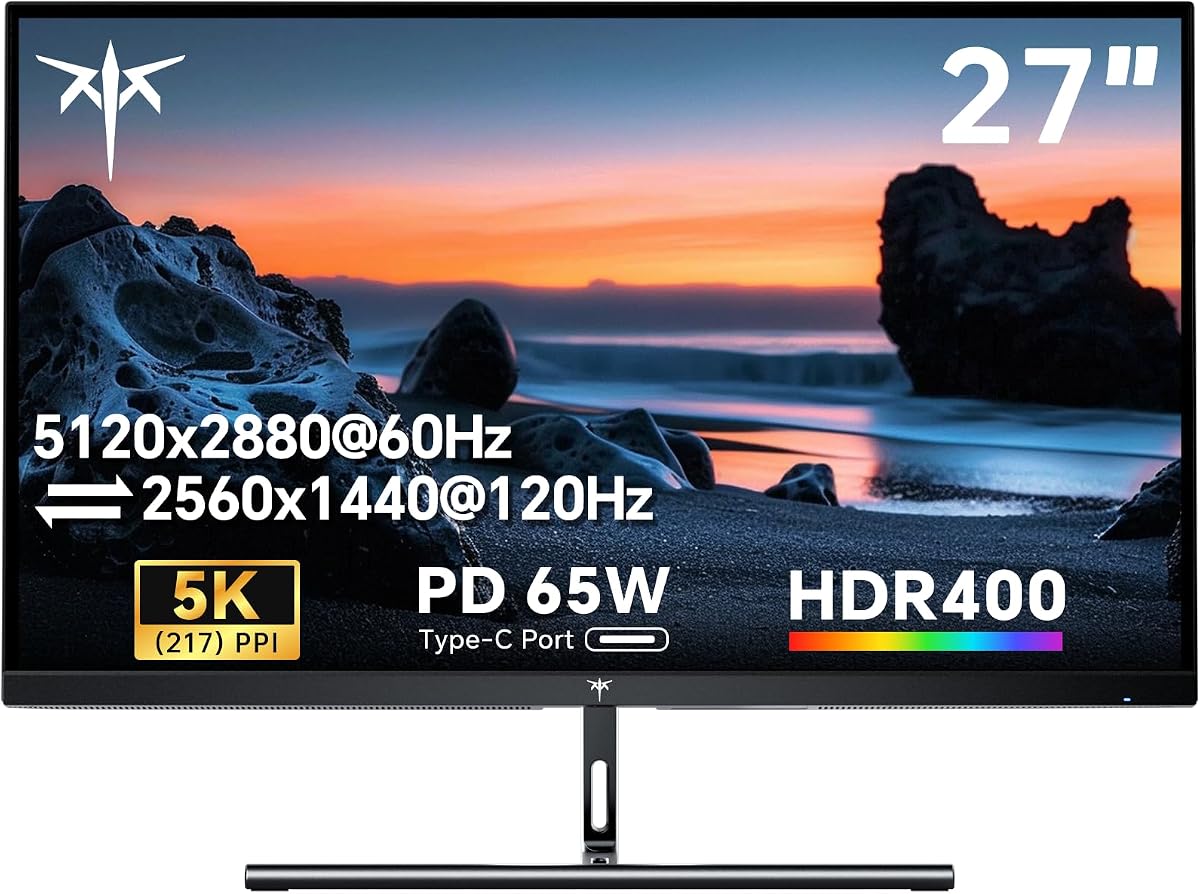
This KTC model is tailored to work seamlessly with the Mac mini and other laptops. It features 5120×2880 resolution for sharp details and smooth gradients that match Apple Retina standards. Dual mode allows switching between 60Hz 5K and 120Hz 2K for different tasks.
We may earn a commission when you buy through this link, at no additional cost to you.
The inclusion of Adaptive Sync ensures smooth visuals without input lag or ghosting. Eye care features like flicker-free technology reduce strain during long work sessions. A three-year warranty and responsive support add reliability to the purchase.
While the panel is excellent for the price, the stand lacks advanced ergonomic adjustments like height or pivot. Users might need a VESA mount to get the best viewing angle. However, the connectivity options cover most basic needs for home office use.
This monitor is a great fit for Mac mini users looking for a compact 5K solution. If you value sharp text and color accuracy for documents and media, this model delivers strong performance at an accessible price point.
Optimized to work with Mac mini ensuring smooth resolution and color matching.
Toggle between high resolution and higher refresh rates depending on your immediate task.
We may earn a commission when you buy through this link, at no additional cost to you.
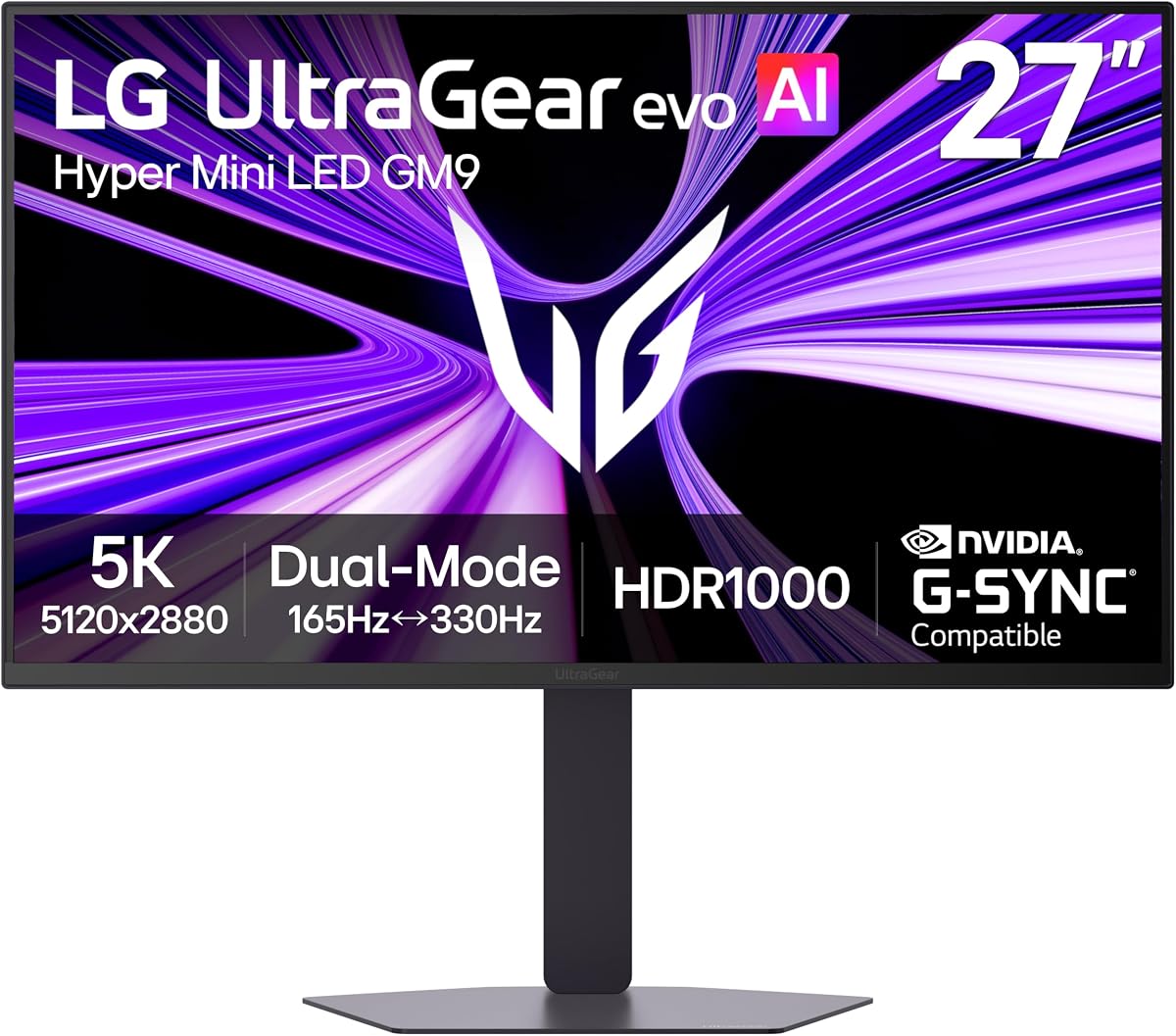
LG delivers a premium gaming experience with this Mini-LED powered 5K display. It reaches 1250 nits peak brightness meeting HDR1000 standards for explosive highlights and deep shadows. The 218 PPI ensures text and UI elements are incredibly sharp even at 5K.
We may earn a commission when you buy through this link, at no additional cost to you.
AI Upscaling enhances content to 5K without requiring a GPU upgrade which is beneficial for video playback. Dual Mode allows switching between 165Hz 5K and 330Hz QHD for different gaming needs. USB-C supports display data and 90W charging via one cable.
Despite the high-end features, the monitor requires a firmware update to reach peak performance. Users should review the troubleshooting guide if they encounter issues. The price reflects the advanced technology but setup might be involved.
This monitor is best for gamers seeking the best possible HDR and brightness. If you want a future proof display that offers 1000 nits peak brightness and smart upscaling, this model stands out in the market.
1250 nits peak brightness deliver deep contrast and true HDR visuals that pop.
Built-in AI improves clarity of lower resolution content without needing more powerful hardware.
We may earn a commission when you buy through this link, at no additional cost to you.
The Dell S2725QC offers a reliable 4K experience with a fast 120Hz refresh rate. It uses ComfortView Plus to reduce blue light without compromising color accuracy for all-day comfort. The re-engineered sound quality provides better audio without needing external speakers.
We may earn a commission when you buy through this link, at no additional cost to you.
With 65W power delivery via USB-C it keeps laptops charged while displaying content. The 1500:1 contrast ratio and HDR readiness deliver depth and detail for media consumption. AMD FreeSync Premium ensures a smooth tear-free experience for work and play.
While this is not a 5K monitor it offers great value for those needing a high refresh rate 4K display. Users requiring 5K should look at other options. but for general use this is a strong performer. The lack of height adjustment may require an arm for ergonomics.
This monitor is ideal for home office users who need a smooth display for multitasking. If you want a solid balance of performance and comfort without a high price tag, this model is worth considering.
ComfortView Plus reduces harmful blue light emissions to protect eyes during long sessions.
Better built-in speakers reduce the need for external devices in a clean workspace.
We may earn a commission when you buy through this link, at no additional cost to you.
This LG monitor combines a 4K display with smart features for entertainment and work. The built-in webOS platform lets you stream content without a PC attached which is unique for monitors. HDR 400 support enhances brightness and contrast for dramatic visuals.
We may earn a commission when you buy through this link, at no additional cost to you.
It includes built-in stereo speakers with Waves MaxxAudio for better sound during movies. The Switch app transforms the screen into a multitasking hub allowing you to split it into six sections. USB-C offers up to 90W power delivery for charging laptops effectively.
The Smart features are useful but may require a learning curve to use fully. For pure work productivity the focus on entertainment might not be the priority. However, the color performance and connectivity make it a versatile choice for home use.
This monitor is best for users who want a display that doubles as an entertainment hub. If you enjoy watching movies on your monitor or need smart features in your workspace this model offers something different.
Built-in webOS allows you to watch streaming apps directly without connecting a computer.
Switch App lets you split the screen into up to six sections for efficient work flow.
We may earn a commission when you buy through this link, at no additional cost to you.
The BenQ PD2730S is designed for Mac users needing a 5K display with a matte finish. The Nano Matte panel diffuses ambient light to prevent glare during design work. It supports Thunderbolt 4 for fast 40Gbps transfers and 90W power delivery in one cable.
We may earn a commission when you buy through this link, at no additional cost to you.
Workflow boosting features include a built-in KVM switch to control two systems with one mouse. Daisy chain allows connecting multiple monitors seamlessly for a multi-display setup. The 98% P3 color coverage ensures accurate tones for VFX and animation projects.
While the matte finish is great for reducing reflections it may slightly soften the image compared to glossy. Some users report issues with the hardware which may lower the rating. But for Mac workflows the ecosystem integration is strong and valuable.
This monitor is best for Mac-based design studios or professionals needing glare-free 5K visuals. If you value color uniformity and multi-monitor setups the benefits of this model outweigh the higher cost.
Nano Matte panel diffuses light to reduce glare during long design sessions.
Thunderbolt 4 offers high speed data and power in a single cable connection.
We may earn a commission when you buy through this link, at no additional cost to you.
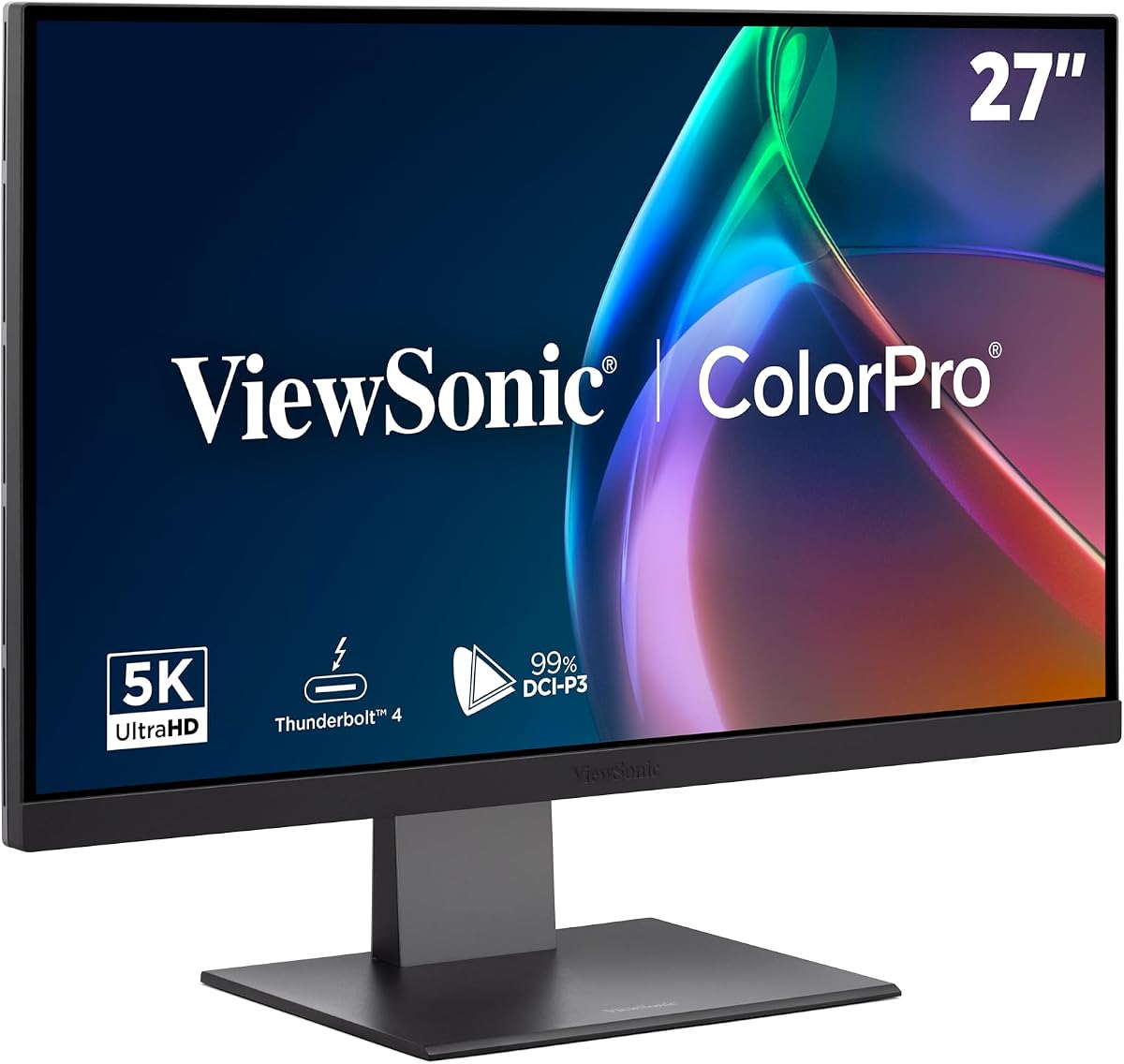
The ViewSonic VP2788-5K is a top tier option for Mac professionals needing validated color. It features Pantone Validated precision ensuring that you can reproduce colors exactly as they are intended. Thunderbolt 4 provides 40 Gbps data and up to 100W power delivery.
We may earn a commission when you buy through this link, at no additional cost to you.
Seamless 5K daisy chain allows you to expand your workstation with up to two monitors. The fully adjustable stand lets you find the perfect angle to reduce neck strain. 100% sRGB and 99% DCI-P3 coverage align with Mac industry standards.
The price is high compared to other 5K models which may limit its appeal. Some users report consistency issues affecting the rating. However for professional workflows where color matters most this monitor offers certified accuracy.
This monitor is best for designers who need certified color for print or digital output. If you work with Pantone libraries and need a reliable high-res display this model provides the tools you need.
Certified color accuracy helps you match colors precisely for professional creative projects.
Daisy Chain support allows you to connect multiple 5K monitors without extra cables.
We may earn a commission when you buy through this link, at no additional cost to you.
Selecting the right monitor requires balancing resolution, connectivity, and specific use cases. We break down the essential factors to help you find the perfect match for your workflow.
A 27-inch 5K monitor typically offers 5120×2880 pixels resulting in a pixel density of 218 PPI. This high density ensures text and images are crisp without needing scaling. For creative work this clarity is essential for seeing fine details in designs.
Prioritize panels that offer native 5K support rather than scaled resolutions. High pixel density improves sharpness and reduces eye strain during long work sessions.
IPS panels are standard for 5K monitors offering wide viewing angles and accurate colors. Look for monitors with 99% DCI-P3 or sRGB coverage to ensure vibrant and true-to-life visuals. Some models also support HDR for better contrast and brightness ranges.
Check for factory calibration if you need color accuracy out of the box. A wider color gamut ensures your work looks consistent across different devices and screens.
USB-C with Power Delivery is a key feature for laptop users allowing data video and charging in one cable. Thunderbolt 4 offers even higher speeds for daisy chaining and fast data transfers. HDMI and DisplayPort inputs provide flexibility for consoles and desktops.
Ensure the monitor supports the refresh rate and resolution you need. USB-C should offer at least 65W power to keep most laptops charged while in use.
Gaming or fast-motion workflows benefit from higher refresh rates like 120Hz or 165Hz. Response times under 5ms reduce motion blur and ghosting for a smoother experience. Dual mode monitors let you switch between high res and high refresh rates.
For office work a standard 60Hz is usually sufficient. Gamers should prioritize higher Hz and faster response times for competitive advantage.
A good stand should offer height tilt swivel and pivot adjustments to reduce neck strain. VESA mount compatibility is useful if you prefer a wall or arm mount for your desk. An ergonomic setup is crucial for maintaining comfort during long hours.
Check if the stand is sturdy enough to prevent shaking. Height adjustable stands allow you to position the screen at eye level.
Build quality affects longevity and stability especially if you move the monitor often. A comprehensive warranty like three or five years provides protection against defects. Check for features like anti-glare coatings for better visibility in bright rooms.
Investing in a model with a strong warranty reduces risk. Look for reputable brands with good customer support records.
Mac users often need specific features like Thunderbolt 4 support and Retina scaling. Monitors labeled Mac Ready often optimize color profiles for macOS. Ensure the OS supports the resolution without requiring complex workarounds.
Thunderbolt 4 monitors simplify connectivity for MacBooks. Check for daisy chain support if you use multiple displays.
5K monitors range from budget to high end so set a clear budget first. Consider value added features like included software subscriptions or extended warranties. Sometimes a lower cost model offers enough performance for casual needs.
Compare what you get for the price against your specific requirements. Avoid overspending on features you won't use.
Connect your device using a high-quality cable that supports the monitor's full resolution and refresh rate. For best results use a USB-C or Thunderbolt cable if your laptop supports it to enable power delivery and fast data.
Adjust your monitor settings to match your environment. Use brightness and color calibration tools to reduce eye strain. Many monitors include presets like sRGB or DCI-P3 to help you find the right tone quickly.
Clean the screen gently with a microfiber cloth to avoid scratching the panel. Do not use harsh chemicals or paper towels as they can damage the coating. Dust the base and cables regularly to keep your workspace tidy.
A 27-inch 5K monitor offers exceptional clarity with over 14 million pixels. This high resolution makes text extremely sharp and provides ample workspace for multitasking. It is ideal for designers and editors who need precise detail.
Running 5K at high refresh rates requires a capable graphics card. For basic office tasks most modern laptops handle it well. Check the monitor's specs to ensure your system supports the resolution and rate.
Yes some monitors support daisy chaining via Thunderbolt 4 or DisplayPort. This allows you to connect multiple displays to a single source. It helps reduce cable clutter on your desk.
If you work with text and spreadsheets often a 5K monitor is worth it. The sharpness reduces eye strain and the large space lets you see more at once. It boosts productivity significantly.
Many models support HDR10 or HDR400 for better contrast. High-end ones might support HDR1000 with Mini-LED. Check the specs to see what level of HDR they support.
Use a DisplayPort 2.1 or Thunderbolt 4 cable for high refresh rates. HDMI 2.1 may work but check compatibility. Standard cables might limit you to lower refresh rates.
Yes newer MacBooks with Thunderbolt 4 support 5K natively. Older models may need adapters or specific settings. Check your Mac's specs for compatibility.
We reviewed ten models ranging from budget-friendly options to high-end displays. The ASUS ProArt PA27JCV leads for creators needing color accuracy while the KTC models offer value for gamers.
When choosing prioritize your main use case whether it is gaming editing or office work. Look for features like USB-C power and high refresh rates that match your needs.
Prices and availability change often so check the links for current deals. Investing in the right monitor can significantly improve your workflow and comfort.