
Yealink Sp92 Conference Speaker
4.1Editor score
AI noise cancelling
Microsoft Teams certified
20 hours call time
This guide compares the top 10 Bluetooth speakerphones for home office use to help you find the best audio quality and features.
Finding the right Bluetooth speakerphone for your home office can transform how you work. Clear audio and reliable connectivity are essential for productive meetings without technical issues.
We compared ten leading models based on microphone quality, battery life, and platform compatibility. Our analysis focuses on real-world performance in home office environments.
Each pick highlights key strengths and ideal use cases for different needs. Remember that product availability and pricing may change, so check current listings before buying.
4.1Editor score
4.4Editor score

4.6Editor score
This side-by-side comparison highlights the key specifications and capabilities of each model to help you make an informed decision for your workspace.

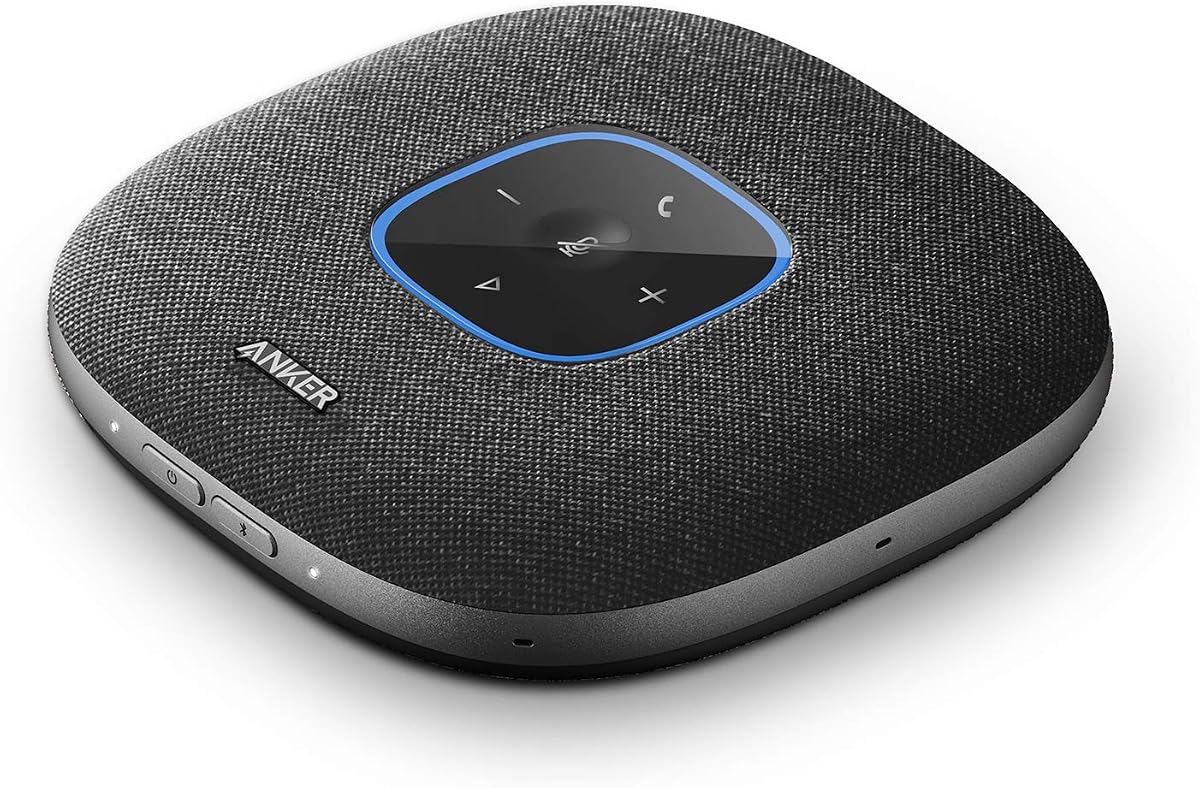


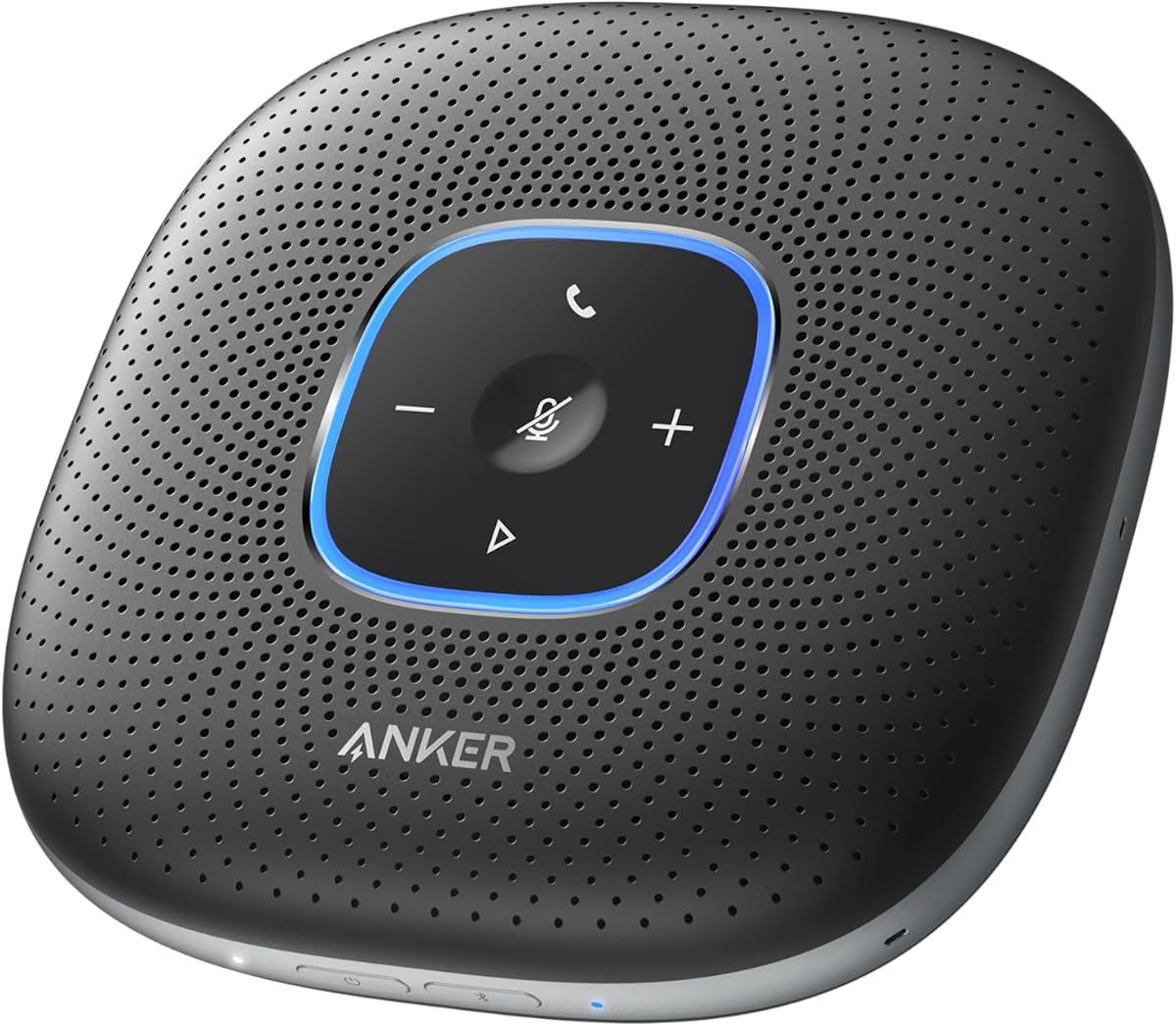
The Anker PowerConf Speakerphone stands out as a top choice for home office professionals seeking reliable audio. It earns high marks for its crystal clear voice pickup and seamless platform integration.
We may earn a commission when you buy through this link, at no additional cost to you.
Its 360 degree microphone array ensures every voice in the room is captured clearly. The Voice Radar 3.0 technology effectively reduces background noise for distraction free meetings.
While the price is higher than some competitors, the build quality and battery life justify the investment. Users appreciate the ability to charge other devices with its USB output.
Ideal for frequent remote workers who need professional audio quality. This speakerphone delivers consistent performance across various conferencing platforms without requiring complex setup.
The six microphones work together to balance voice levels automatically ensuring everyone sounds their best.
With up to 24 hours of call time you can rely on this device throughout your workday without interruptions.
We may earn a commission when you buy through this link, at no additional cost to you.
The Anker PowerConf S330 offers a straightforward solution for users who prioritize stability over portability. Its plug and play design makes setup nearly instantaneous.
We may earn a commission when you buy through this link, at no additional cost to you.
Connecting via USB-C ensures a reliable link to your computer without worrying about battery drain or Bluetooth pairing issues. The sound quality remains robust for both voice and music.
This model is better suited for fixed desk setups where wired connections are preferred. The passive bass radiators add depth that enhances the overall listening experience.
Choose this if you want a hassle free connection that never disconnects. It delivers clear audio for meetings without the complexity of managing wireless settings or battery charges.
USB connectivity provides consistent audio quality without interruptions from wireless interference or battery depletion during long meetings.
The small size fits easily on crowded desks while still delivering powerful sound through its 1.75 inch driver and bass radiators.
We may earn a commission when you buy through this link, at no additional cost to you.
The Anker PowerConf S3 combines the best of both worlds with Bluetooth and USB-C options for maximum flexibility. It handles simultaneous speakers well for natural conversation flow.
We may earn a commission when you buy through this link, at no additional cost to you.
Its smart voice enhancement ensures that your voice is optimized regardless of distance from the device. The app control adds customization options for specific meeting environments.
While it shares many features with the top pick, the ability to switch between connection types easily makes it more adaptable to changing work scenarios.
This is an excellent choice for hybrid workers who move between home and office. The double talk capability ensures you never miss a word during dynamic group discussions.
Automatic balancing makes up for differences in volume and distance ensuring consistent audio quality for all participants.
Supports all popular conferencing platforms making it a versatile tool for organizations using different software tools.
We may earn a commission when you buy through this link, at no additional cost to you.
The Jabra Speak 510 continues to be a reliable choice for those who value simplicity and portability. Its setup process is incredibly fast requiring minimal technical knowledge.
We may earn a commission when you buy through this link, at no additional cost to you.
Crystal clear audio ensures every call sounds professional whether you are using it at home or on the go. The flexible connectivity options let you choose what works best.
While it may lack some modern smart features, its core functionality remains strong. Users appreciate the durable build that withstands frequent travel without performance degradation.
This speakerphone is ideal for business travelers who need a dependable device. It turns any room into a conference space with ease and requires no drivers to install.
Getting started takes seconds with plug and play connectivity that works immediately with your laptop or mobile device.
Works with all online meeting platforms so you can switch between Zoom Teams or Skype without needing different hardware.
We may earn a commission when you buy through this link, at no additional cost to you.
The Yealink Sp92 offers incredible value for small teams needing certified audio hardware without breaking the budget. It filters over a thousand noise types for clear speech.
We may earn a commission when you buy through this link, at no additional cost to you.
Microsoft Teams certification ensures seamless integration with enterprise environments. The omnidirectional mic picks up voices clearly within a 13 foot radius for inclusive meetings.
Its virtual bass feature adds depth to the audio experience making it suitable for both calls and music playback. The lightweight design makes it easy to carry.
Choose this if you need a certified device on a budget. It performs well in small to medium rooms and handles background noise effectively with its AI technology.
Teams certification provides seamless compatibility and features that optimize performance for enterprise collaboration environments.
Real-time AI filters eliminate distractions like keyboard taps or air conditioning hum to focus on human voices clearly.
We may earn a commission when you buy through this link, at no additional cost to you.
The Lenovo Speakerphone 6000 delivers enterprise grade audio with its eight beamforming microphones that prioritize voices effectively. The dedicated Teams button simplifies call management instantly.
We may earn a commission when you buy through this link, at no additional cost to you.
Dual Bluetooth connectivity allows you to connect to two devices at once for effortless switching. Its IP54 resistance protects it from dust and spills during heavy use.
This device is built for durability and constant use in busy workspaces. The full duplex audio ensures natural conversations where multiple people can speak simultaneously.
It is a top pick for corporate environments using Teams heavily. The professional build and advanced noise cancellation make it a reliable tool for daily hybrid work.
Fast access to call functions through a dedicated button reduces complexity and keeps meetings running smoothly.
Connect two devices at once to switch between phone calls and laptop meetings without any reconnection hassle.
We may earn a commission when you buy through this link, at no additional cost to you.
The Jabra Speak 510 MS provides robust support for legacy communication systems and softphones. It ensures high definition sound quality for all your calls.
We may earn a commission when you buy through this link, at no additional cost to you.
Compatibility with Windows Microsoft Lync and Office Communicator makes it a valuable tool for organizations still using these platforms. The talk time supports long work sessions.
While newer models offer more smart features this unit delivers core audio excellence without unnecessary complexity. It remains a trusted choice for specific software environments.
Choose this if your workplace relies on older enterprise software. Its reliability and clear audio ensure consistent performance for users who need seamless softphone integration.
Designed to work flawlessly with older enterprise communication tools ensuring compatibility where newer devices might struggle.
Delivers crisp high definition audio that captures the full range of voice tones for natural sounding conversations.
We may earn a commission when you buy through this link, at no additional cost to you.
The Jabra Speak 710 UC offers an immersive sound experience that sets a new standard for portable conference devices. Its build quality is exceptional for frequent travelers.
We may earn a commission when you buy through this link, at no additional cost to you.
Certified for Zoom and Google Meet ensuring reliable performance on major platforms. The included Link 370 adapter ensures seamless USB connectivity for your laptop.
Its lightweight design makes it easy to carry without adding bulk to your bag. The protective pouch keeps it safe during transit for professional presentation.
This model is worth the investment for executives who travel often. The premium audio and durable construction justify the cost for those requiring top tier performance.
Includes a protective travel pouch to keep your speaker safe during transit ensuring it arrives ready for important meetings.
Works seamlessly with major conferencing tools including Zoom and Google Meet so you never face compatibility issues.
We may earn a commission when you buy through this link, at no additional cost to you.
The YAMAHA YVC-330 brings professional studio grade audio technology to home offices. Its SoundCap technology eliminates background noise outside a three foot range.
We may earn a commission when you buy through this link, at no additional cost to you.
Voice activity detection ensures only speech is picked up reducing noise from typing or movement. The auto silence feature mutes the mic when participants are silent.
Its design handles larger groups of up to eight people effectively. The USB 3.0 and NFC options provide flexible connectivity for various setups and devices.
Ideal for high stakes meetings where clarity is paramount. The price reflects its superior acoustic engineering and specialized features that standard models lack.
Built-in filters eliminate external noise outside a three foot radius ensuring clean audio from meeting participants only.
The microphone mutes automatically when no one is speaking which reduces background noise and improves call quality.
We may earn a commission when you buy through this link, at no additional cost to you.
The N newline Conference Speaker offers strong performance for a competitive price point. It covers a 16 foot range with its 360 degree omnidirectional pickup.
We may earn a commission when you buy through this link, at no additional cost to you.
Its algorithm reduces background noise effectively for clear real-time communications. The sound cavity design achieves HiFi level quality making it great for both calls and music.
Despite having fewer mics than competitors, it captures voices clearly within its range. The lightweight mesh wrapped appearance blends well with modern workspaces.
Choose this for small to medium home offices needing essential features. It delivers reliable audio and long battery life without the premium cost of top brands.
The 360 degree pickup ensures everyone in the room is heard clearly making it perfect for small group meetings.
Connect via Bluetooth 5.1 or USB-C for flexibility depending on whether you are on a phone or laptop.
We may earn a commission when you buy through this link, at no additional cost to you.
Selecting the right speakerphone involves evaluating several factors to match your specific workflow and meeting requirements.
Microphone quality determines how clearly others hear you during calls. Look for models with multiple mics and noise cancellation to filter out distractions like typing or fans.
Prioritize devices with beamforming technology that focus on voices rather than ambient noise for professional sounding calls.
Battery life is crucial for wireless speakerphones to ensure you are not tethered to a power outlet. Aim for at least 12 hours of talk time for full workdays.
Check if the device supports quick charging so you can get hours of use from a short charge if needed during busy weeks.
Ensure the speakerphone is compatible with your organization's primary conferencing tools. Certification for Teams Zoom or Google Meet guarantees optimized performance on those platforms.
Even without official certification, check user reviews to confirm the device works seamlessly with your specific software stack.
Bluetooth allows wireless flexibility while USB offers stability for long meetings. Choose a hybrid model if you need both features depending on your setup.
Dual Bluetooth connectivity lets you connect to two devices at once which is useful if you switch between phone calls and computer meetings frequently.
If you travel between locations, consider the weight and size of the speakerphone. A compact design with a travel pouch makes it easier to carry.
Look for rugged features like splash resistance if you plan to use the device in varied environments beyond just a home office.
The audio range determines how far you can move while still being heard. Most models cover about 10 to 15 feet which works for small home offices.
For larger rooms check the specifications for omnidirectional mics that pick up sound from all sides of the device equally.
Simple setup is important to avoid spending time configuring audio drivers. Plug and play USB options are ideal for immediate use upon arrival.
If you use Bluetooth ensure the pairing process is straightforward and that the device remembers your connections for future sessions.
Build quality affects how well the speakerphone withstands daily use and travel. Models with sturdy casings and high quality buttons tend to last longer.
Consider warranty support from the manufacturer as a backup for electronic devices that might face wear and tear over time.
To start using your speakerphone, connect it to your computer via USB or pair it via Bluetooth settings. Ensure the device is fully charged before your first meeting.
Place the speakerphone in the center of your desk to maximize microphone coverage. Avoid covering the microphone vents with paper or other objects during calls.
Regularly clean the speaker grilles with a soft cloth to prevent dust buildup. Check for firmware updates on the manufacturer's app to maintain peak performance.
A good home office speakerphone should have noise cancelling microphones, long battery life, and compatibility with your conferencing platform. Clear audio is essential for professionalism.
Many modern speakerphones support dual Bluetooth connections allowing you to switch between two devices easily. Check the specs to ensure this feature is included.
Use a speakerphone with AI noise reduction or beamforming microphones. Placing the device in a quiet area also helps minimize distractions during calls.
USB offers more stable connections while Bluetooth provides mobility. Hybrid models allow you to choose the best option depending on whether you are stationary or mobile.
Depends on usage but typically once a week if you use it daily. Look for models with quick charging to minimize downtime during busy periods.
Yes most Bluetooth speakerphones work with both Mac and Windows systems. Ensure the device is certified for your specific conferencing platform for best results.
The Anker PowerConf Speakerphone, Yealink Sp92, and Jabra Speak 710 represent the top choices for different needs. Each model offers unique strengths in audio quality and connectivity.
Prioritize microphone clarity and battery life if you have back to back meetings. Ensure the device matches your conferencing platform requirements for seamless integration.
Prices and availability change frequently so verify current deals before purchasing. Your workspace deserves reliable audio tools to support your professional goals effectively.