
BUFFALO LinkStation 210
3.9Editor score
6 TB capacity included
Subscription-free cloud
Easy router connection
This guide compares the top Buffalo NAS devices for home and business storage needs, highlighting key features and performance ratings.
Choosing the right network storage device is crucial for protecting your data. Buffalo NAS offers reliable solutions for home and office users seeking centralized storage.
We evaluated ten top models based on capacity, speed, and security. This list covers everything from budget-friendly options to professional-grade systems.
Each pick highlights specific strengths and ideal use cases. Please note that availability and specifications may vary by region and time.
3.9Editor score

4.8Editor score
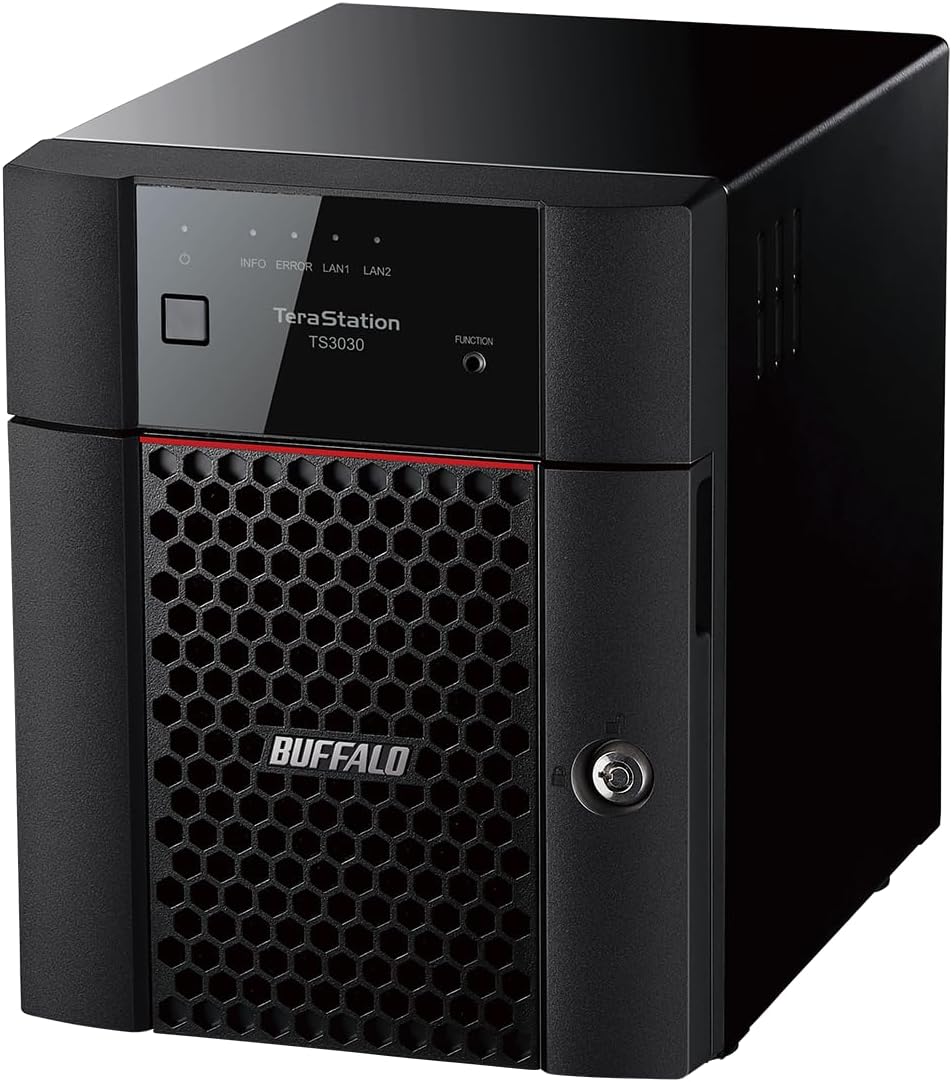
4.3Editor score
The following table provides a side-by-side comparison of all ten models to help you identify the right fit for your specific storage requirements.


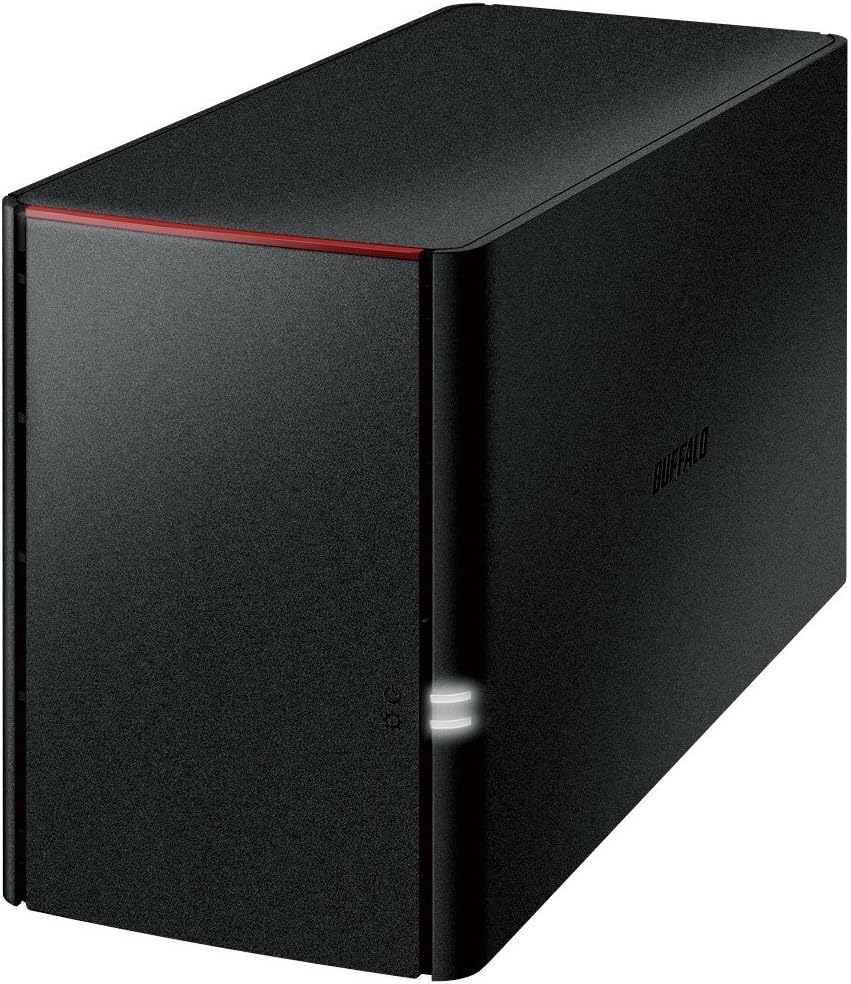


This professional-grade NAS delivers exceptional performance for businesses. It ranks high for its speed and security features.
We may earn a commission when you buy through this link, at no additional cost to you.
The native 10GbE port ensures rapid file transfers without extra hardware. Snapshots provide instant recovery from accidental deletions.
While it costs more, the reliability justifies the investment for critical data. The closed system minimizes vulnerabilities effectively.
It is ideal for growing teams needing centralized file access. Choose this for top-tier business continuity.
The hardware handles heavy loads without dropping speed.
Built-in two-factor authentication protects against unauthorized access.
We may earn a commission when you buy through this link, at no additional cost to you.
An affordable solution for home users needing extra storage. It provides essential backup tools without monthly costs.
We may earn a commission when you buy through this link, at no additional cost to you.
Setup involves connecting to your router to start sharing files. It supports automated backups for computers on your network.
The single bay limits expansion later on. However, it is sufficient for personal media and documents.
Best for small households wanting centralized access. It avoids recurring cloud subscription fees.
Access your files from anywhere without paying fees.
Start using the device immediately after connecting cables.
We may earn a commission when you buy through this link, at no additional cost to you.
A powerful choice for users needing high capacity. It combines desktop form factor with professional performance features.
We may earn a commission when you buy through this link, at no additional cost to you.
The 2.5GbE port supports faster transfers than standard Gigabit. You can sync with Amazon S3 for hybrid backups.
The unit is large, requiring dedicated space. This is a trade-off for the internal storage density.
Perfect for creative pros managing large media files. It offers great value for the included drive size.
Combine local storage with cloud redundancy easily.
Choose RAID 5 or 6 for data safety.
We may earn a commission when you buy through this link, at no additional cost to you.
Designed for small office needs, this device simplifies file management. It offers a balance of security and ease of use.
We may earn a commission when you buy through this link, at no additional cost to you.
Direct Copy allows backing up devices via USB. This is useful for cameras or phones needing quick storage.
The two-bay setup offers some redundancy. Performance is decent for typical office document sharing.
Suitable for freelancers or small teams. It avoids complex configuration steps.
Copy files from USB devices without a computer.
Control who accesses specific folders easily.
We may earn a commission when you buy through this link, at no additional cost to you.
This model fits into server racks for organized IT setups. It brings professional storage to data closets.
We may earn a commission when you buy through this link, at no additional cost to you.
The 2.5GbE port improves transfer rates significantly. Encryption keeps data safe from physical theft.
It assumes a rack is available for installation. This limits home use unless you have space.
Ideal for managed service providers. It maximizes floor space efficiency.
Meet trade agreement standards for government procurement.
Designed for continuous operation in rack environments.
We may earn a commission when you buy through this link, at no additional cost to you.
This device runs Windows Server IoT natively for deep integration. It simplifies backups for Windows-centric environments.
We may earn a commission when you buy through this link, at no additional cost to you.
NovaBACKUP software is included for server and PC backups. You avoid extra licensing costs for access.
If you prefer Linux or macOS, this might not suit you. It is specialized for Microsoft users.
Best for offices using only Windows clients. It centralizes management efficiently.
No client access licenses are required for use.
Sync easily with Azure and OneDrive services.
We may earn a commission when you buy through this link, at no additional cost to you.
This model offers classic network storage functionality. It is known for stability and ease of use.
We may earn a commission when you buy through this link, at no additional cost to you.
DLNA support allows streaming media to TVs directly. It acts as a basic file server well.
Features are less advanced than newer units. However, it remains functional for basic needs.
Choose this if you need straightforward storage. It suits environments without high-speed needs.
Serve photos and videos to compatible media players.
Connect external drives for further storage.
We may earn a commission when you buy through this link, at no additional cost to you.
A straightforward desktop NAS for small businesses. It arrives ready to use with minimal setup.
We may earn a commission when you buy through this link, at no additional cost to you.
It includes business-level backup software out of the box. RAID 1 is set up for immediate protection.
Network speed is standard Gigabit. This limits large file transfers compared to faster units.
Good for small businesses needing reliable storage. It avoids technical complexity.
RAID is pre-configured for immediate data safety.
Access files via PC and mobile apps for free.
We may earn a commission when you buy through this link, at no additional cost to you.
This NAS is tailored for backing up mobile devices. It ensures photos are safe without cloud fees.
We may earn a commission when you buy through this link, at no additional cost to you.
Mirroring keeps data protected against drive failure. It is compact enough for any room.
Setup may be less intuitive than newer models. Warranty coverage is shorter than some rivals.
Ideal for users focusing on mobile data. It provides a local backup solution.
Automatically save photos from smartphones to local storage.
Fits easily on shelves without taking much space.
We may earn a commission when you buy through this link, at no additional cost to you.
This external drive is perfect for direct connection. It avoids network complexity for single-user backup.
We may earn a commission when you buy through this link, at no additional cost to you.
USB 3.2 offers fast data transfer speeds. Hot swap allows changing drives without shutting down.
It is not a network device, so sharing is limited. Best for local machine backups.
Choose this for fast, direct storage needs. It avoids network costs.
Replace drives without powering off the device.
Backup Mac computers efficiently using Apple tools.
We may earn a commission when you buy through this link, at no additional cost to you.
Selecting the right NAS involves considering several technical factors to ensure it meets your storage demands.
Determine how much space you need now and in the future. Higher capacity units reduce the need for upgrades.
Choose a drive size that matches your media volume.
Bays allow multiple drives. More bays offer better redundancy and expansion possibilities.
Single bays are cheaper but offer no redundancy.
Faster ports like 10GbE improve transfer speeds. Ensure your router supports these speeds.
Standard Gigabit is fine for basic home use.
RAID protects data against drive failure. RAID 1 mirrors data for safety.
RAID 0 offers speed but no protection.
Hybrid cloud sync adds an extra backup layer. This protects against physical damage.
Look for support for major cloud providers.
Encryption and two-factor authentication keep data safe. A closed system reduces vulnerabilities.
Prioritize models with strong encryption.
Longer warranties provide peace of mind. US-based support helps with setup issues.
Check drive coverage details.
Prices vary significantly by capacity and features. Balance your budget with performance needs.
Higher models offer better scalability.
Start by connecting the unit to your router using the included cable. Configure settings via the web browser dashboard.
Set up automated backups for your computers regularly. This ensures data is saved without manual intervention.
Keep firmware updated for security patches. Place the device in a cool, ventilated area to prevent overheating.
Yes, Buffalo NAS devices are ideal for home backup. They offer centralized storage and automated tools to keep your files safe. You can access them from any device on your network.
Most models listed include hard drives. They come pre-tested and configured for easy setup. You should verify if a specific unit includes drives before purchasing.
RAID combines multiple drives for redundancy or speed. It protects data if one drive fails. Check which RAID levels your model supports.
No, many Buffalo NAS units offer subscription-free personal cloud. You can access files from anywhere without monthly fees. Some advanced cloud sync may have limits.
Enable encryption and strong passwords. Use a closed system model to reduce app vulnerabilities. Two-factor authentication adds an extra layer of protection.
Yes, multi-bay models allow adding more drives. Check compatibility before buying new units. Some models support RAID expansion easily.
Most models support both Windows and macOS. Ensure your macOS version is compatible for full feature use. Format drives if needed for specific systems.
The TeraStation 5420DN leads with speed and security for business users. The LinkStation 210 offers an affordable entry point for home needs.
Prioritize network speed and security features when selecting. Your choice depends on whether you need redundancy or pure capacity.
Prices and models update frequently. Check current specs before buying to ensure the best fit.