
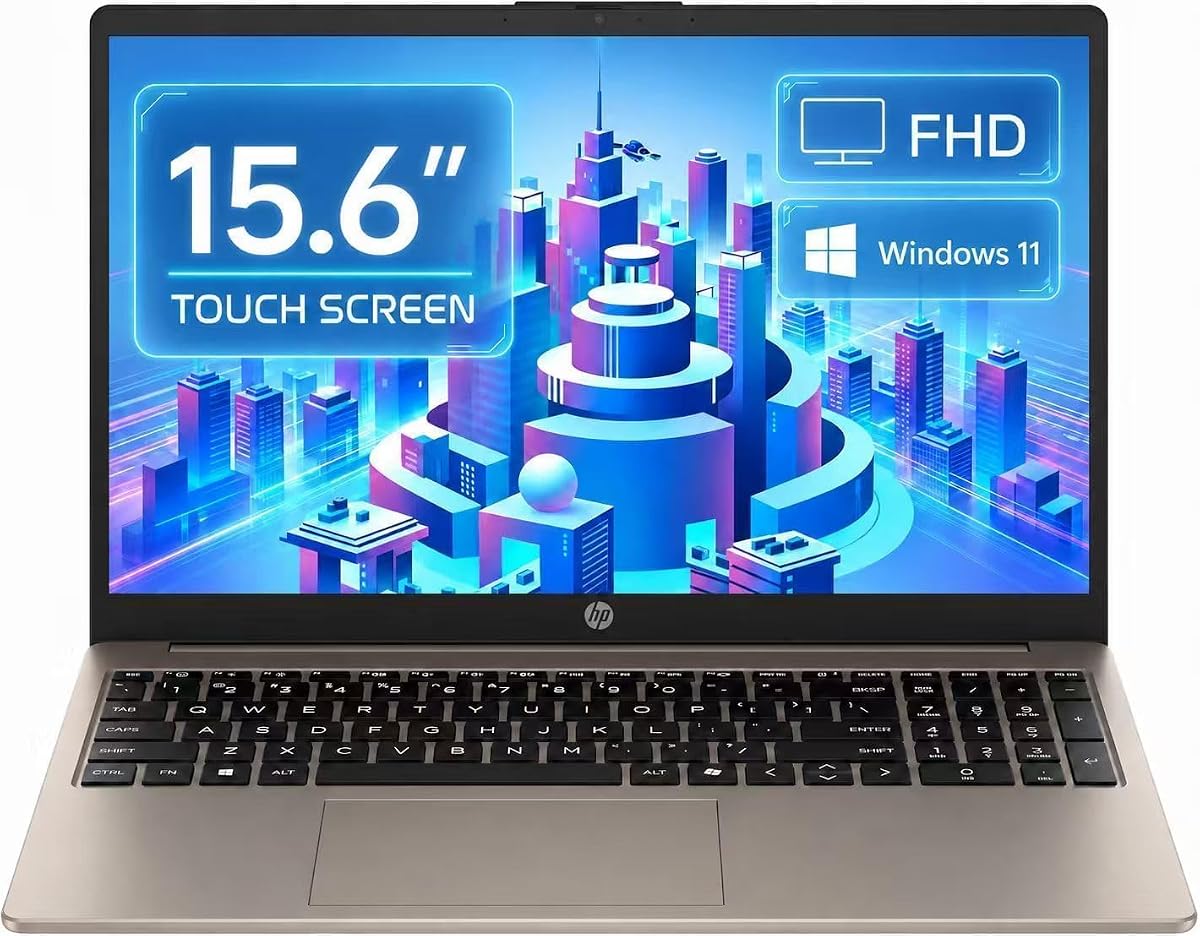
HP 14 inch Laptop 2027 Edition
4.5Editor score
Anti-glare coating display
Lightweight 3.24 lb chassis
Microsoft 365 included
Finding a laptop with an anti glare screen is essential for anyone who spends long hours working in varied lighting conditions. These displays reduce reflections and eye strain, making them ideal for productivity and entertainment.
We have carefully evaluated ten top-rated models based on their display technology, processing power, and overall user experience. This guide highlights the best options available across different price points and use cases.
Each pick in this list showcases unique strengths tailored to specific needs like budget, portability, or performance. Please note that prices and availability change frequently, so check the latest offers before purchasing.
4.5Editor score
4.1Editor score

4.5Editor score
As an Amazon Associate we earn from qualifying purchases.
This side-by-side comparison breaks down the key specifications of each laptop to help you make an informed decision based on your specific requirements.




This Dell laptop offers a reliable solution for daily tasks with its efficient Intel Core 3 processor and comfortable viewing experience. It is designed to handle basic productivity needs without breaking the bank.
We may earn a commission when you buy through this link, at no additional cost to you.
The Dell ComfortView software helps reduce harmful blue light emissions, making it easier on your eyes during long work sessions. The lifted hinges provide an ergonomic typing angle that supports wrist comfort throughout the day.
While it is not built for heavy multimedia editing, its battery efficiency and Express Charge support ensure you stay productive. The separate numeric keypad is a nice touch for those who frequently enter data.
If you need a straightforward machine for web browsing and office work, this model delivers solid performance. It is an excellent choice for students or home users prioritizing value and comfort.
The Dell ComfortView software reduces blue light to minimize eye strain during extended screen time.
Lifted hinges create a better typing angle that keeps wrists in a more natural position while working.
We may earn a commission when you buy through this link, at no additional cost to you.
The HP Pavilion stands out with its versatile IPS touchscreen and substantial storage capacity. It balances performance and usability well for a wide range of everyday computing tasks.
We may earn a commission when you buy through this link, at no additional cost to you.
The anti-glare display ensures clear visibility even in bright environments, while the IPS technology provides wide viewing angles. With 16GB RAM and a 1TB SSD, multitasking and file storage are handled smoothly.
Battery life is impressive at up to 11 hours, making it suitable for travel or long workdays without constant charging. The privacy shutter on the camera adds a layer of security for video calls.
This laptop is ideal for users who want a responsive touchscreen experience without paying premium prices. It fits well in both home and office settings requiring reliable daily performance.
The capacitive touchscreen makes interacting with apps and documents intuitive and efficient for daily use.
Up to 11 hours of battery life supports long work sessions away from an electrical outlet.
We may earn a commission when you buy through this link, at no additional cost to you.
This compact HP laptop is designed for mobility and efficiency, offering a lightweight profile that is easy to carry. It includes essential features for basic productivity at an entry-level price.
We may earn a commission when you buy through this link, at no additional cost to you.
The anti-glare coating on the display helps reduce reflections, making it suitable for use in various lighting conditions. With Microsoft 365 included, you get immediate access to productivity tools without extra subscriptions.
While the 4GB RAM may limit heavy multitasking, the DDR5 memory ensures decent responsiveness for web browsing and document editing. The slim design fits easily into backpacks for commuting or travel.
If you are looking for a secondary device or a student laptop that prioritizes portability over power, this is a strong candidate. It provides solid value for casual users needing reliable performance.
Weighing just 3.24 lbs with a slim profile, this laptop is easy to transport anywhere.
Microsoft 365 comes pre-installed giving you access to Word, Excel, and OneDrive instantly.
We may earn a commission when you buy through this link, at no additional cost to you.
This HP model integrates advanced AI features like noise reduction and a dedicated Copilot key for enhanced productivity. It balances modern functionality with solid everyday performance.
We may earn a commission when you buy through this link, at no additional cost to you.
The 300 nits brightness and anti-glare touchscreen provide a clear viewing experience, while the AMD Ryzen 5 processor handles multitasking effectively. The included laptop cooler helps maintain performance during heavy use.
Although storage is limited to 256GB, the speed of the SSD ensures quick boot times and application launches. The privacy shutter on the webcam ensures your safety during video calls.
It is an excellent choice for users who value AI-driven workflow improvements and modern connectivity. If you work from home or attend online classes, the AI features add significant value.
Advanced software filters out background noise during calls ensuring clear communication with teammates.
A dedicated key offers AI-powered assistance to streamline tasks and optimize your daily workflow.
We may earn a commission when you buy through this link, at no additional cost to you.
Equipped with a powerful 13th Gen Intel Core i7 processor, this laptop handles demanding tasks with ease. The generous RAM and storage ensure smooth operation for extensive workflows.
We may earn a commission when you buy through this link, at no additional cost to you.
The anti-glare display delivers crisp visuals, while Intel Iris Xe graphics offer improved performance for light content creation. HP Fast Charge technology allows you to regain significant battery quickly when needed.
This model is ideal for power users who need reliability and speed without moving to a workstation. It balances performance and portability effectively for professionals on the go.
If you require fast processing for data analysis or media editing, this configuration offers a strong foundation. It is a premium choice for those who prioritize speed and capacity.
Power your device from 0 to 50 percent in approximately 45 minutes for quick turnaround times.
Intel Iris Xe graphics provide crisp visuals and smooth playback for entertainment and editing tasks.
We may earn a commission when you buy through this link, at no additional cost to you.
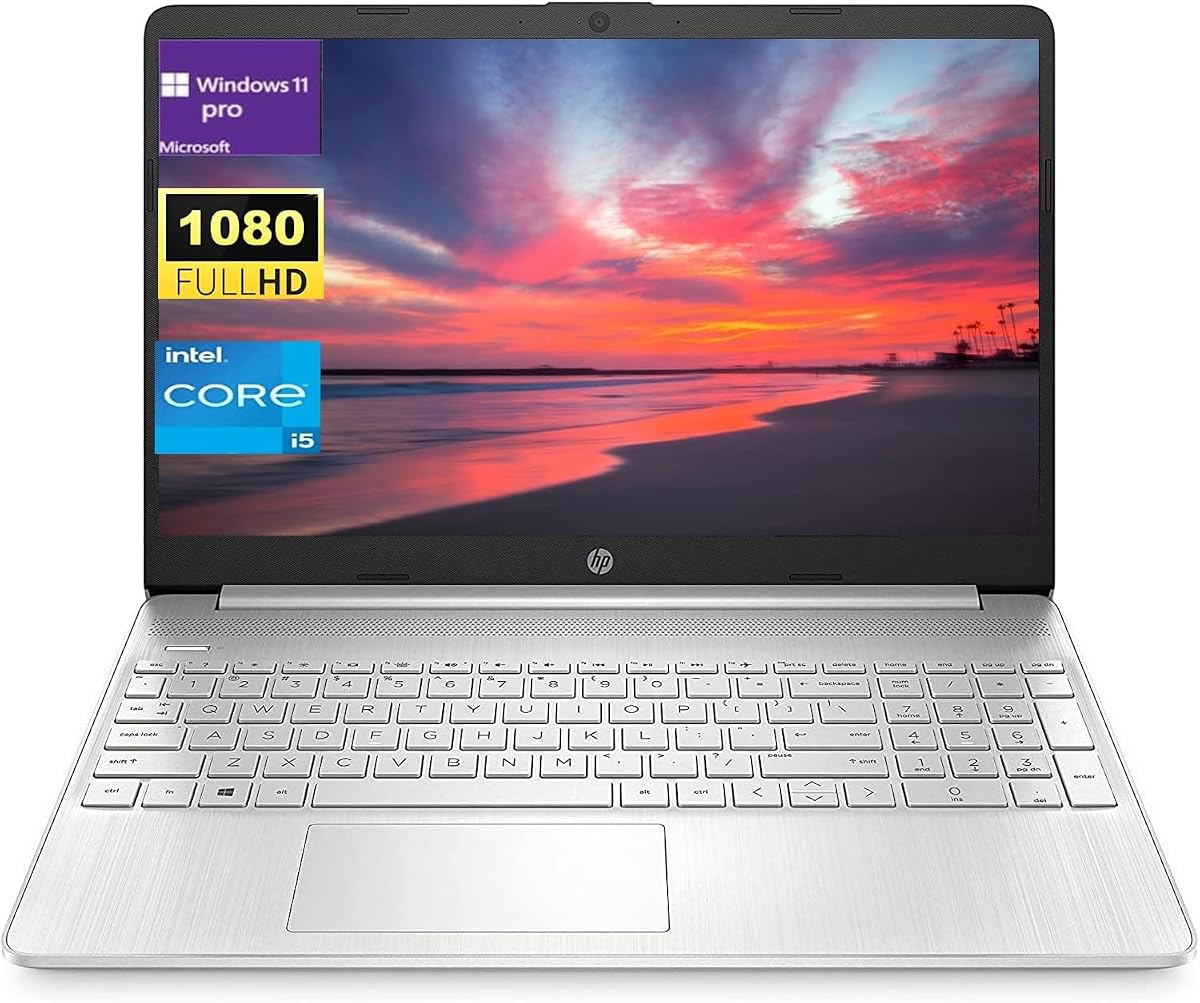
This HP business laptop offers professional features like Windows 11 Pro and ample storage for business applications. It is designed for efficiency and reliability in an office environment.
We may earn a commission when you buy through this link, at no additional cost to you.
The anti-glare screen reduces eye strain during long workdays, while the 512GB SSD ensures quick access to files. Wi-Fi and Bluetooth connectivity keep you connected to networks and peripherals seamlessly.
While it may not match the latest flagship specs, the Core i5 processor handles daily office tasks efficiently. The inclusion of an SD card reader adds convenience for photographers and data transfer.
It is a solid choice for small business owners or corporate users needing a dependable machine. If you value Pro features and storage over raw power, this model delivers well.
Windows 11 Pro offers enhanced security and management tools suitable for business environments.
An SD card reader allows for easy data transfer from external devices without adapters.
We may earn a commission when you buy through this link, at no additional cost to you.
This renewed Dell Latitude offers the robust build quality and features expected from a business line. It provides a reliable option for professionals seeking value in a pre-owned device.
We may earn a commission when you buy through this link, at no additional cost to you.
The 16GB DDR4 memory supports smooth multitasking, and the anti-glare touchscreen adds usability for presentations or quick edits. Connectivity options like Thunderbolt 4 make it versatile for docking stations.
While it comes as renewed, the machine is tested to ensure functional performance for daily office tasks. The business-oriented design focuses on durability and practical features over consumer aesthetics.
It is an excellent choice for organizations or individuals who need reliable performance at a lower cost. If you appreciate professional build quality, this model is worth considering.
The Latitude series is known for durability and reliability in professional settings and travel.
Thunderbolt 4 ports allow for high-speed data transfer and connection to multiple displays.
We may earn a commission when you buy through this link, at no additional cost to you.
Built for resilience, this Lenovo laptop meets military standards for durability making it suitable for harsh conditions. It offers reliable performance with modern DDR5 memory for efficient processing.
We may earn a commission when you buy through this link, at no additional cost to you.
The anti-glare display reduces eye strain, and Low Blue Light certification ensures comfort during long sessions. A privacy shutter on the camera adds an extra layer of security for video calls.
Although internal storage is limited, cloud options or expandable drives can compensate. The fast charging support ensures you stay powered throughout busy days of work or travel.
If you need a rugged machine for fieldwork or demanding environments, this model delivers reliability. It is also suitable for students who need a durable device for daily carrying.
MIL-STD-810H testing ensures the device can withstand drops, bumps, and harsh conditions.
TUV Low Blue Light certification helps reduce eye strain and improve sleep quality.
We may earn a commission when you buy through this link, at no additional cost to you.
This 17.3-inch HP laptop delivers an immersive viewing experience ideal for media and productivity. The large screen allows for comfortable multitasking and detailed work.
We may earn a commission when you buy through this link, at no additional cost to you.
The anti-glare coating on the IPS display ensures clarity even in bright settings, while the Ryzen 5 processor handles demanding workloads. Wi-Fi 6 and Bluetooth 5.4 provide robust connectivity options.
With ample storage and RAM, this device manages large files and applications effortlessly. The Copilot key helps streamline tasks for users who rely on modern AI workflows.
If you prefer a desktop replacement with a large screen and strong performance, this is a top pick. It suits home offices or content creation setups where screen real estate matters.
The 17.3 inch screen provides ample space for spreadsheets and multimedia viewing.
A dedicated Copilot key gives you quick access to AI tools for task optimization.
We may earn a commission when you buy through this link, at no additional cost to you.
This HP laptop combines a large display with powerful performance for home and office use. The ergonomic lift-hinge design improves typing angles and cooling efficiency.
We may earn a commission when you buy through this link, at no additional cost to you.
The anti-glare screen reduces eye strain during long study or work sessions, while AMD FreeSync technology ensures smooth visuals. Long battery life allows for extended productivity without constant charging.
With 16GB RAM and a fast SSD, it handles multitasking and media consumption smoothly. It is designed to be a reliable hub for entertainment and work in a fixed location.
If you need a stationary machine that doubles as a comfortable viewing device, this model fits the bill. It is ideal for students and families looking for versatile computing power.
The lift-hinge raises the keyboard for better typing comfort and improved airflow.
AMD FreeSync syncs refresh rates to reduce tearing and ensure fluid video playback.
We may earn a commission when you buy through this link, at no additional cost to you.
Selecting the right laptop involves weighing several factors beyond just the screen technology. This guide breaks down the essential elements to consider for your specific needs.
The most critical feature is the anti-glare coating which reduces reflections. Look for IPS panels to get wide viewing angles and better color accuracy compared to TN panels. Brightness measured in nits should be at least 250 for indoor use and higher for outdoor visibility.
Prioritize displays with high brightness and IPS technology for the best anti-glare performance.
The processor determines how fast your laptop runs. Intel Core i3 and i5 are sufficient for everyday tasks while i7 models are better for heavy workloads. AMD Ryzen processors offer competitive performance and efficiency for the price.
Match the processor tier to your workload to ensure smooth multitasking and speed.
RAM affects how many applications you can run at once. 8GB is the minimum standard but 16GB provides more headroom. Storage should ideally be an SSD for faster boot times and file access.
Aim for at least 16GB RAM and a 512GB SSD for a balanced experience.
Long battery life is essential for mobility and travel. Look for models promising 10 hours or more of usage. Fast charging capabilities also help you get back to work quickly.
Choose a laptop with long battery life and fast charging for on-the-go productivity.
Ensure the laptop has the ports you need such as USB-C HDMI and headphone jacks. Wi-Fi 6 support provides faster wireless speeds for internet access. Bluetooth versions allow for better peripheral connectivity.
Check that the port selection matches your peripherals and external monitor needs.
Windows 11 Home is standard but Pro offers better management tools. Some models include Copilot keys for AI assistance. Microsoft 365 subscriptions may be included for productivity apps.
Select the operating system version that offers the tools you need for work.
Lightweight laptops are easier to carry for students or travelers. A thin profile adds to the premium feel and portability. Heavier models may be better for stationary use as desktop replacements.
Consider the weight and dimensions based on how often you move the device.
Privacy shutters on webcams add a layer of physical security for video calls. Fingerprint readers offer quick and secure login options. Some business models include additional encryption hardware.
Look for privacy shutters and biometric login options for better data security.
To maintain the anti-glare coating, clean the screen gently with a microfiber cloth. Avoid using harsh chemicals or paper towels that could scratch the surface. Always power off the device before cleaning to prevent electrical issues.
Position your laptop to minimize direct light sources that might reflect on the screen. Adjusting the angle slightly can help utilize the anti-glare properties effectively. If you work outdoors, try to find shaded areas to reduce glare.
Keep your laptop cool by ensuring vents are not blocked by soft surfaces like beds. Using a cooling pad can help maintain performance during long sessions. Regularly update your software to keep the system efficient and secure.
An anti-glare screen has a matte coating that diffuses light to reduce reflections. This helps prevent eye strain when working in bright environments. It is different from glossy screens which reflect more light.
Yes IPS panels typically have better viewing angles and color accuracy. The anti-glare coating on IPS screens tends to be more effective without sacrificing visibility. This makes them ideal for long work sessions and productivity.
You can apply an aftermarket anti-glare film but it may affect image sharpness. These films adhere to the surface and reduce reflections similar to built-in coatings. However built-in coatings are usually more durable and optimized.
By reducing reflections anti-glare screens minimize the contrast between light and dark areas. This means your eyes do not have to work as hard to adjust to glare. It is especially helpful for people who spend hours on computers.
Yes a touchscreen adds versatility while still offering reflection reduction. Capacitive touchscreens respond well to input without requiring much pressure. This combination is great for navigating apps and zooming into documents easily.
For indoor use a brightness of 250 nits or higher is recommended. This ensures clear visibility even in well-lit rooms or near windows. Higher brightness can help if you often work near direct light sources.
Some users notice a slight graininess compared to glossy screens. However modern anti-glare coatings are improved and minimize this effect. The comfort gained often outweighs the tiny trade-off in sharpness.
Use a dry microfiber cloth to wipe away dust and smudges gently. If needed dampen the cloth slightly with water but avoid excess moisture. Never spray liquid directly onto the screen to prevent internal damage.
We have reviewed ten excellent laptops that balance display quality and performance for different needs. Whether you need portability or power there is a model here that fits your criteria well.
Prioritize the features that matter most to you such as battery life screen size or storage capacity. The anti-glare display should be a key deciding factor for long-term comfort.
Remember to check the latest prices and availability before making your final decision. Prices can fluctuate frequently so timing your purchase can lead to better savings.