
GT 740 4GB GDDR5 Low Profile GPU
4.1Editor score
4GB GDDR5 Memory
Quad HDMI Outputs
Low Profile Design
Linux Driver Support
This expert guide compares the top Linux graphics cards for gaming, workstation, and budget builds to help you choose the best GPU for your system.
Choosing the right graphics card for Linux can be challenging due to driver support and hardware compatibility. We evaluate performance, open-source drivers, and stability across various workloads including gaming and creative tasks.
Our selection process involves analyzing architecture compatibility, memory bandwidth, and community support. We focus on cards that offer seamless integration with popular distributions like Ubuntu and Fedora while delivering reliable performance.
Each pick highlights specific strengths and trade-offs for Linux users. Prices and availability fluctuate frequently, so verify current listings before purchasing. This guide ensures you make an informed decision for your specific needs.
4.1Editor score

4.7Editor score

3.9Editor score
The following table provides a quick overview of key specifications for each graphics card. Compare memory size, interface type, and cooling solutions to find the perfect match for your Linux desktop or workstation setup.




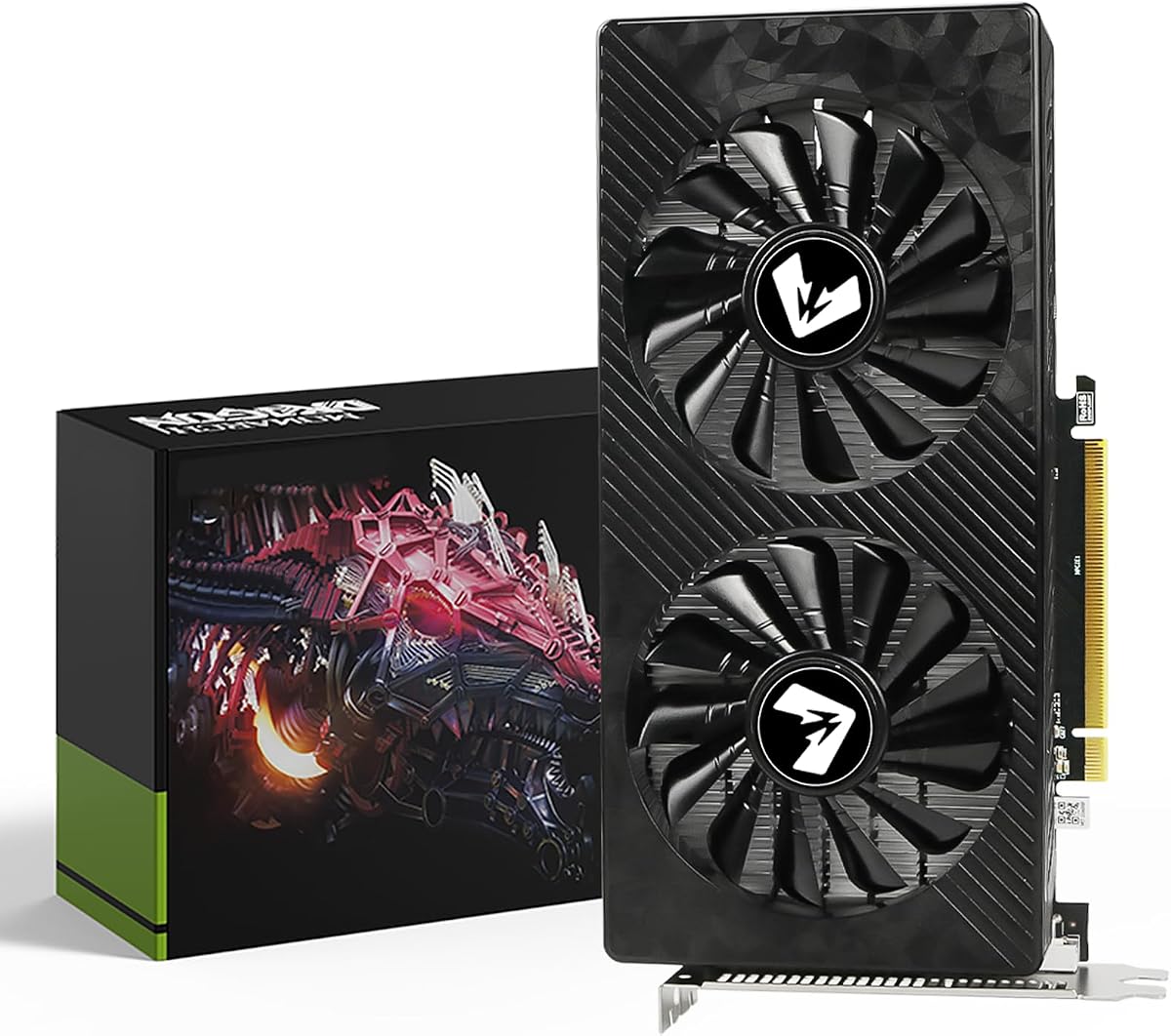
The ASUS Dual GeForce RTX 3050 stands out as a top choice for Linux users seeking modern gaming capabilities. With a rating of 4.7, it combines NVIDIA Ampere architecture with efficient cooling. Its compact design makes it ideal for small chassis while maintaining high performance.
We may earn a commission when you buy through this link, at no additional cost to you.
This card features 6GB GDDR6 memory and supports ray tracing, providing smooth visuals in compatible titles. The Axial-tech fan design ensures quiet operation even under load. NVIDIA driver support on Linux is robust, ensuring stability for both gaming and productivity workflows.
While the 6GB VRAM may limit some heavy creative workloads, it handles most gaming tasks effectively. The power efficiency is a significant advantage for users concerned about heat and energy consumption. The 2-slot design maximizes compatibility with various case sizes.
We recommend this card for Linux gamers who want a balance of price and performance. It fits well in compact builds and offers reliable driver support. Verify your power supply meets requirements before installation for optimal results.
NVIDIA offers proprietary drivers that work seamlessly on major distributions. Open-source Nouveau drivers also support this card for basic tasks.
The axial-tech fan design reduces noise while maintaining optimal temperatures during extended sessions.
We may earn a commission when you buy through this link, at no additional cost to you.
The GIGABYTE GeForce RTX 3050 WINDFORCE offers a reliable option for Linux desktops needing moderate performance. It shares the Ampere architecture benefits with excellent driver support. The card delivers smooth gaming experiences at 1080p with efficient power usage.
We may earn a commission when you buy through this link, at no additional cost to you.
Featuring 6GB GDDR6 memory, it handles modern games and productivity apps well. The dual-fan cooling system maintains low temperatures during intensive tasks. Linux users appreciate the straightforward installation and stable driver performance across distributions.
The 96-bit memory bus limits bandwidth compared to higher-end models. This might affect performance in memory-intensive scenarios but remains sufficient for most users. The compact form factor ensures it fits in small cases easily.
Ideal for users seeking a budget-friendly GPU with Linux support. It provides a balanced experience for gaming and work. Ensure your system has adequate airflow to maintain optimal operating temperatures.
Designed to consume less power, making it suitable for systems with lower wattage PSUs.
Handles modern titles at medium to high settings with consistent frame rates on Linux.
We may earn a commission when you buy through this link, at no additional cost to you.
The PNY NVIDIA T1000 is tailored for professionals needing reliable Linux workstation performance. It supports multiple high-resolution displays and runs certified software smoothly. The card ensures stability for design and engineering tasks with minimal latency.
We may earn a commission when you buy through this link, at no additional cost to you.
Powered by Turing architecture, it delivers significant performance over previous generations. Support for DisplayPort 1.4 enables driving up to four 5K displays. This makes it ideal for multi-monitor setups in creative environments.
Gaming capabilities are secondary here, focusing instead on professional reliability. The low-profile form factor fits versatile small workstations. NVIDIA provides specific drivers to ensure compatibility with industrial software packages.
Choose this card if you prioritize stability and multi-display support. It excels in CAD and visualization workflows. Verify your case clearance to ensure the low-profile bracket fits correctly.
ISV certified for over 100 professional applications ensuring reliability.
Multiple DisplayPort outputs allow for complex multi-monitor configurations.
We may earn a commission when you buy through this link, at no additional cost to you.
The ASRock Intel Arc Pro B60 represents a powerful choice for Linux users focused on AI and rendering. Its massive 24GB GDDR6 memory is perfect for large language models and complex tasks. The card introduces PCIe 5.0 for future-ready bandwidth.
We may earn a commission when you buy through this link, at no additional cost to you.
Intel Xe2-HPG architecture provides significant AI acceleration capabilities. Linux support is improving with dedicated drivers for workstation tasks. The blower-style cooling manages heat effectively in dense workstation environments.
Driver support can be a concern compared to established competitors. While improving, it may lack polish for certain gaming titles. However, for professional workflows like rendering, it offers exceptional value.
Ideal for AI researchers and creators needing high memory capacity. The scalability for multi-GPU setups is a major plus. Check driver compatibility with your specific workflow before purchasing.
Integrated XMX engines accelerate AI inference tasks significantly.
Certified drivers ensure stability for engineering and manufacturing software.
We may earn a commission when you buy through this link, at no additional cost to you.
The GT 740 4GB is an excellent budget option for Linux users needing basic graphical power. It offers four HDMI ports for multi-monitor setups without needing adapters. Open-source drivers support this card well on most distributions.
We may earn a commission when you buy through this link, at no additional cost to you.
With 4GB GDDR5 memory, it handles office tasks and media playback smoothly. The low-profile design fits into slim cases perfectly. Silent cooling keeps operation noise-free, suitable for home theater PCs.
It is not suitable for modern gaming due to older architecture. Performance is limited to everyday computing tasks. However, the value proposition is strong for simple upgrades.
Perfect for office PCs and home theaters on a budget. The quad-monitor support increases productivity significantly. Verify your power supply has the necessary connectors if required.
Four built-in HDMI ports allow for extensive display configurations.
No external power connectors needed, making installation simpler.
We may earn a commission when you buy through this link, at no additional cost to you.
The SOYO GeForce GT 740 serves as a reliable upgrade for older Linux systems. It offers triple display outputs with HDMI, DVI, and VGA ports. The card supports standard drivers ensuring broad compatibility.
We may earn a commission when you buy through this link, at no additional cost to you.
Featuring 4GB DDR3 memory, it handles everyday tasks and light graphics work well. The optimized cooling system keeps temperatures stable without excess noise. It draws power directly from the PCIe slot for easy setup.
Memory speed is a limitation compared to newer GDDR models. This affects performance in demanding applications but is adequate for general use. The versatility of ports ensures you can connect almost any display.
Ideal for refreshing old desktops for office work. The silent fan ensures a quiet workspace. Confirm your BIOS settings for legacy mode if display issues arise.
HDMI, DVI, and VGA ports cover modern and legacy monitors.
Plug and play functionality simplifies the upgrade process.
We may earn a commission when you buy through this link, at no additional cost to you.
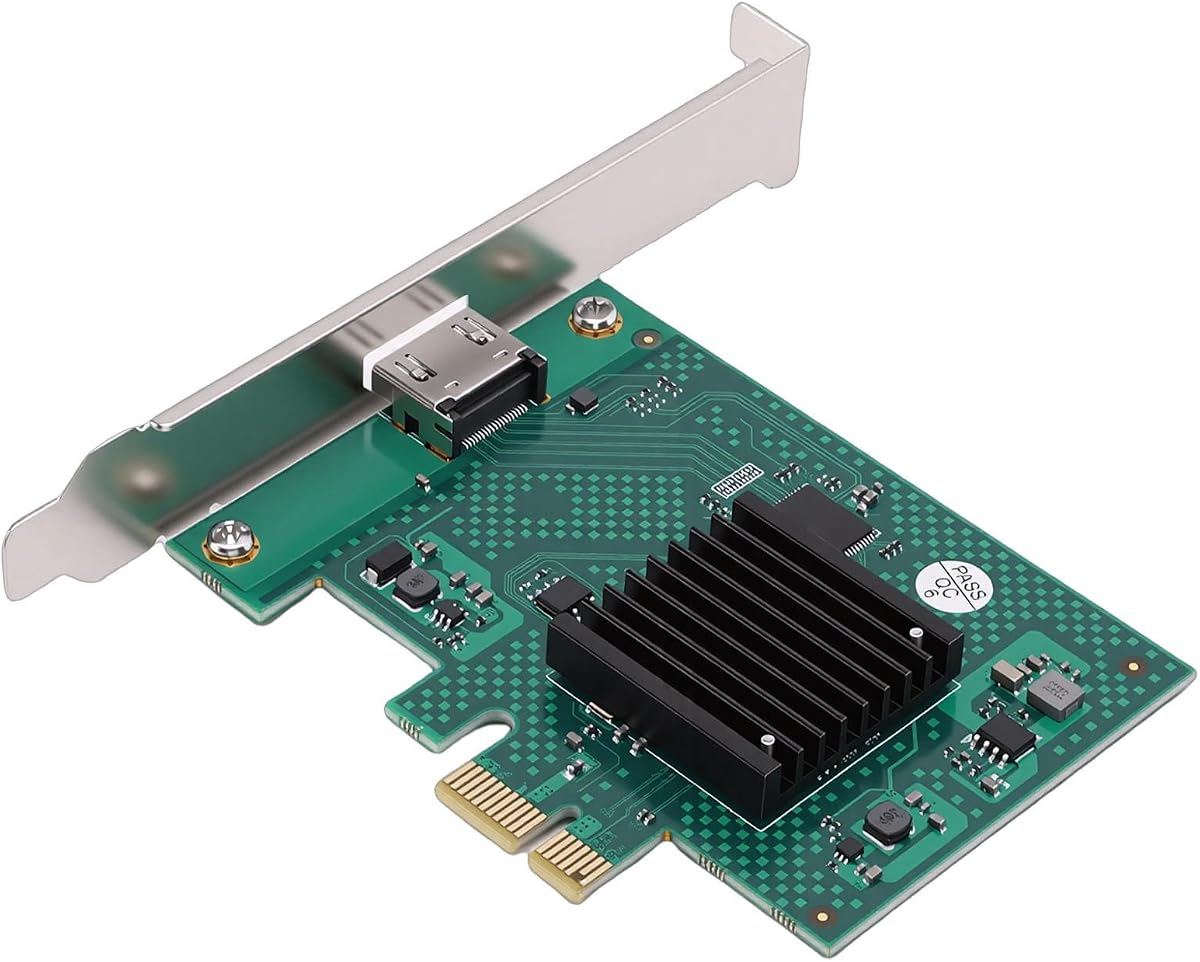
The Gugxiom PCIe x1 SM750 is designed for specialized industrial Linux applications. It functions effectively in harsh environments with a wide operating temperature range. The card provides stable 2D graphics acceleration for specific tasks.
We may earn a commission when you buy through this link, at no additional cost to you.
Supporting single HDMI output with rotation capabilities, it suits POS systems and digital signage. The robust build ensures reliability in conditions where standard cards might fail. It is not a general-purpose GPU.
Compatibility might be restricted to specific industrial software environments. This limits its appeal for standard desktop builds. However, for its intended niche, it is a dependable solution.
Use this for industrial computing or specialized setups. Verify Linux support for your specific industrial software before purchasing. Check case clearance for PCIe x1 slots.
Designed to function in extreme temperatures from -40C to +85C.
Ideal for POS systems and digital signage rather than home use.
We may earn a commission when you buy through this link, at no additional cost to you.
The maxsun AMD Radeon RX 550 is a strong contender for Linux users preferring open-source drivers. AMD provides native kernel support making installation seamless. This card offers stable performance for everyday tasks and light gaming.
We may earn a commission when you buy through this link, at no additional cost to you.
Featuring 4GB GDDR5 memory and a 128-bit bus, it handles multimedia decoding well. The 9CM fan ensures quiet operation with adequate cooling. Its ITX form factor fits tiny form factor builds perfectly.
Performance is not suited for heavy gaming or 3D rendering. It is primarily a display adapter and media player. The open-source ecosystem is a major advantage for Linux enthusiasts.
Perfect for budget desktops and media centers. The native Linux support saves time on configuration. Ensure your PSU has enough wattage if other components are power hungry.
AMD GPUs are fully supported in mainline Linux kernels.
Supports 4K video decoding for home theater setups.
We may earn a commission when you buy through this link, at no additional cost to you.
The MSI GT 1030 provides reliable entry-level graphics for Linux systems. It includes 4GB DDR4 memory for basic tasks and light gaming. NVIDIA drivers are widely available ensuring smooth integration.
We may earn a commission when you buy through this link, at no additional cost to you.
The low-profile design fits small cases and single fan keeps it quiet. DirectX 12 support allows for compatible gaming titles. Power consumption is low, fitting most older power supplies.
DDR4 memory and a 64-bit bus limit performance in demanding apps. It is adequate for office work and media playback. The build quality from MSI is generally robust and durable.
Ideal for basic workstation upgrades. Verify power supply requirements before purchase. The single fan design is effective for low thermal load scenarios.
Consumes minimal power suitable for systems without PCIe power cables.
Handles older or less demanding titles well on Linux.
We may earn a commission when you buy through this link, at no additional cost to you.
The MOUGOL RX 580 offers significant value for Linux gaming. With 8GB of VRAM it handles modern titles well at 1080p. AMD open-source drivers make setup on Linux straightforward.
We may earn a commission when you buy through this link, at no additional cost to you.
Dual fan cooling manages heat during heavy loads effectively. The triple display support is great for productivity work. It includes a standard form factor suitable for most cases.
Power consumption is higher than newer budget cards. Older architecture means lower efficiency compared to RX 6000 series. The value proposition is strong for pure gaming on a budget.
Best for users wanting maximum performance per dollar. Check your power supply has adequate wattage. The open-source ecosystem ensures long term driver support.
Works well with Mesa drivers and kernel modules for Linux.
Requires a dedicated power supply to handle higher TDP.
We may earn a commission when you buy through this link, at no additional cost to you.
Selecting a graphics card for Linux involves considering driver support hardware compatibility and specific workload needs. This guide outlines critical factors to help you evaluate each option effectively.
Linux users prioritize graphics cards with strong community and vendor support. AMD generally offers better open-source support out of the box while NVIDIA provides proprietary drivers for specific tasks. Check distribution compatibility before purchasing.
Choose cards with stable drivers to avoid installation headaches and ensure long term reliability for your workflow.
VRAM determines how much texture and data the card can handle. For gaming and creative tasks 8GB or more is recommended. Budget cards might suffice for basic office work and video playback.
Match memory capacity to your typical workload to avoid bottlenecks in complex applications.
Ensure your motherboard has a PCIe slot matching the card's interface. PCIe 4.0 and 5.0 offer higher bandwidth but work with older slots too. Verify physical clearance in your case for the card length.
Confirm physical dimensions and slot type to guarantee the card fits and connects properly.
Graphics cards vary in power draw and some need external connectors. Check your power supply's wattage and available connectors. Low power models are ideal for small form factor builds or older systems.
Calculate total system power needs to prevent instability or shutdowns.
Effective cooling maintains performance during extended use. Dual fan or blower styles suit different airflow environments. Silent models are better for noise sensitive workspaces and home theaters.
Select a cooling design that matches your case airflow and noise preferences.
Check the available video ports to match your monitors. HDMI DisplayPort and VGA cover various legacy and modern screens. Multi-monitor setups benefit from multiple high speed outputs.
Ensure you have the right ports to connect all your displays without extra adapters.
Identify your primary usage such as gaming CAD or media. Professional cards excel at workstation tasks while gaming cards optimize frame rates. General purpose cards balance cost and utility for mixed needs.
Align the card's strengths with your specific daily tasks for best value.
Determine your spending limit to filter options quickly. Entry level cards save money while premium models offer longevity and speed. Balance performance needs with available funds.
Focus on total value including performance per dollar rather than just raw specs.
Install drivers via your distribution's package manager for optimal compatibility. Verify the card is recognized using standard system tools like lspci to confirm hardware detection.
Maintain clean internal airflow to prevent overheating and performance throttling. Clean dust from fans regularly with compressed air to ensure efficient operation.
Monitor temperatures and usage with system utilities to detect issues early. Adjust fan curves if necessary to balance cooling and noise levels.
AMD cards generally offer the best open-source support with Mesa drivers. NVIDIA cards work well too using proprietary drivers for specific needs. Most mainstream GPUs from Intel AMD or NVIDIA function correctly.
Proprietary drivers often deliver higher performance for NVIDIA cards. AMD cards run well with open-source drivers in most modern titles. Choose based on your specific game optimization needs.
Yes Linux supports multi-GPU setups depending on the drivers. AMD uses CrossFire and NVIDIA uses SLI but support varies. Open-source stacks may require extra configuration for scaling.
4GB is minimum for basic desktop and media. 8GB or more suits gaming and creative workloads. Larger VRAM helps with high resolution textures and rendering tasks.
Low-profile cards save space and are common in compact servers. They fit standard PCIe slots and run efficiently. Ensure your case fits the dimensions before buying.
Linux supports all PCIe versions with backward compatibility. Newer versions offer more bandwidth for data transfer. Choose matching slots and cards for best performance.
Most modern cards support multiple monitors using HDMI or DisplayPort. Verify the number of physical outputs matches your needs. Linux handles multi-monitor setups well.
The ASUS RTX 3050 and ASRock Arc Pro B60 lead our picks for performance and AI workloads. Budget users will appreciate the GT 740 for simple tasks and reliability.
Prioritize driver stability and memory capacity based on your specific use case. Balance power needs with your available hardware to ensure smooth operation.
Prices and availability change frequently so review current listings before finalizing your purchase. Verify compatibility with your system to avoid installation issues.